Step-by-step guide: how to create a full AI video
The full path from topic to finished video: script outline, shots, voiceover, subtitles and editing — right in your browser. Plus two working modes to choose from: one button or step-by-step control.
Before you start: what to have on hand
If you're looking for how to make an AI video, here's the short answer: in Reelora it's an eight-step path — from topic to finished file. Nothing to install: the studio runs in your browser and generation happens on servers, so any laptop will do.
More good news: to create a video from text you don't need a ready-made script. One or two sentences about your topic are enough — the AI will build the rest of the outline itself. But a few things are worth deciding before you start:
- A topic or ready text — one sentence or a full script, both work.
- Format: vertical short or horizontal long-form video.
- Language of the video and voiceover.
- Your own photos or videos, if you plan to mix them with generated ones.
How to make an AI video: eight steps
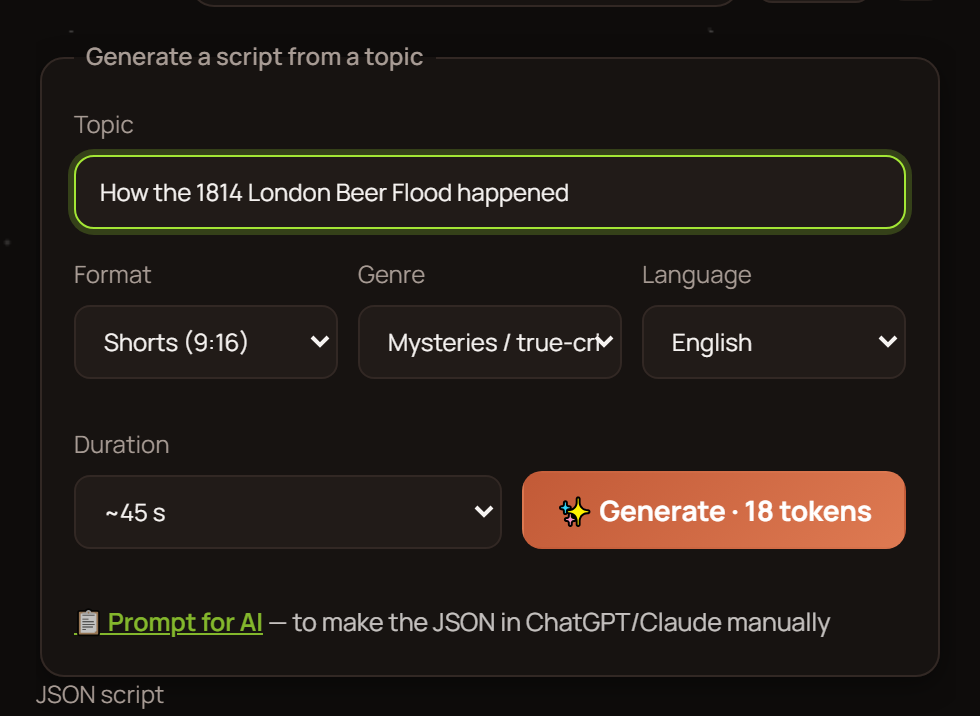
Pick format and settings
Set the approximate length, format — long or short — and language. Everything else depends on it: script structure, number of scenes and frame proportions.
Describe your topic
Write your topic in one or two sentences — and the AI will build a ready outline for your video. No need to invent a script: just clearly say what the video is about and who it's for.
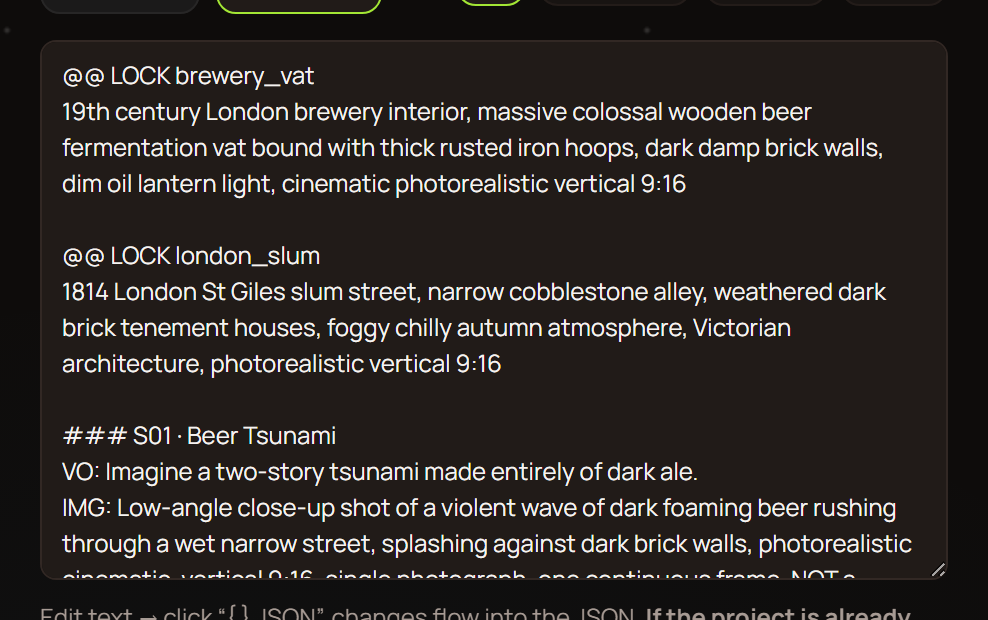
Review the outline
Everything sits right in the outline: voiceover prompts, reference prompts, photo and video prompts — each in its place. Scroll through it and check whether the narrative logic works. Something off? Edit the text right here.
Generate references and shots
Start generating references, then video shots based on the scene prompts. Don't like a particular shot? Regenerate just that one — the rest of the video stays untouched.
Add your own footage if needed
Got footage or photos you've already shot? Add them instead of generated shots at any moment. Lots of material? Just swap the shots for yours — the studio will handle the editing itself.
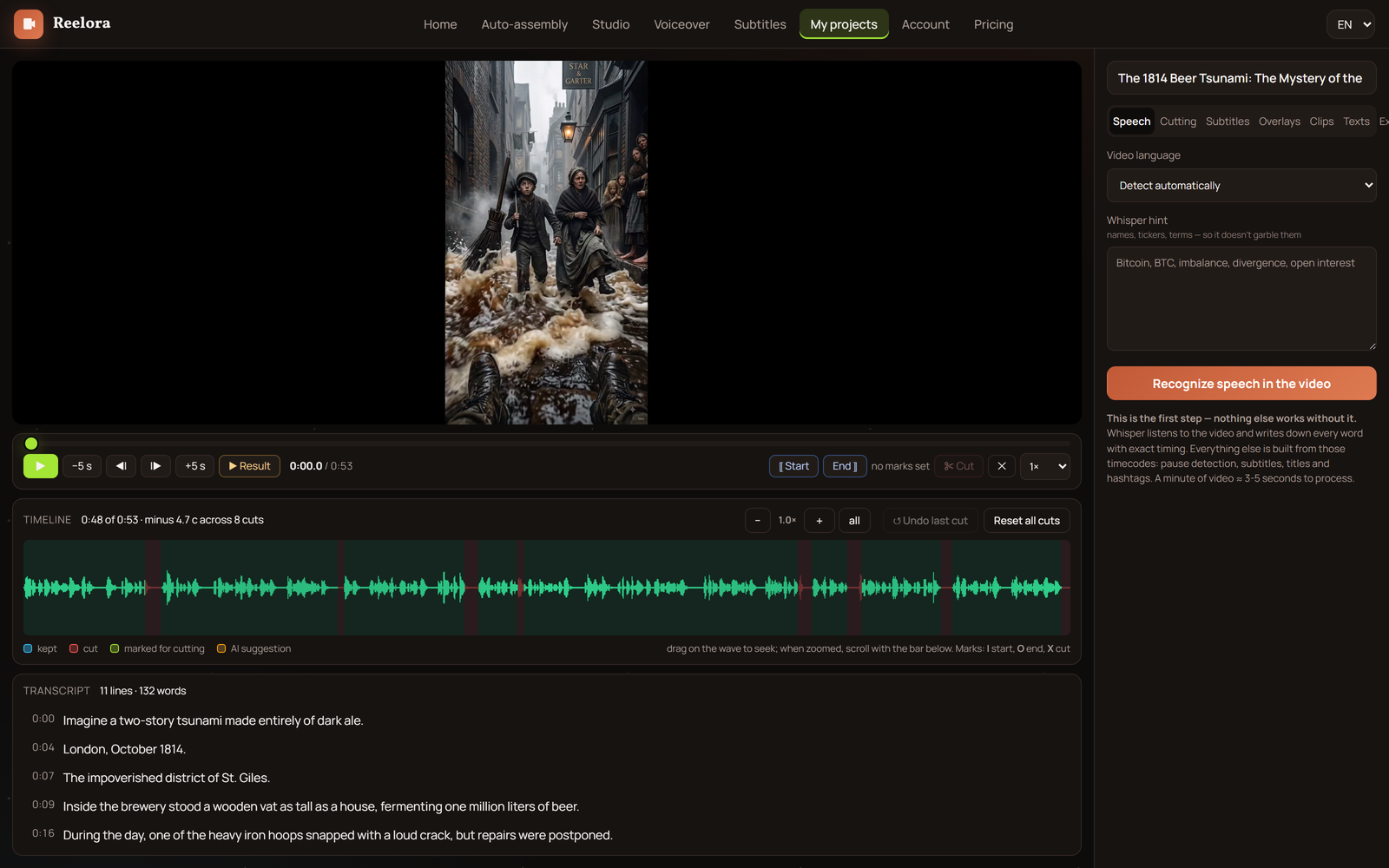
Voice it over
Pick an ElevenLabs voice: there are many languages, including Ukrainian. The voiceover syncs with scenes and subtitles, so lines land precisely on the shots.
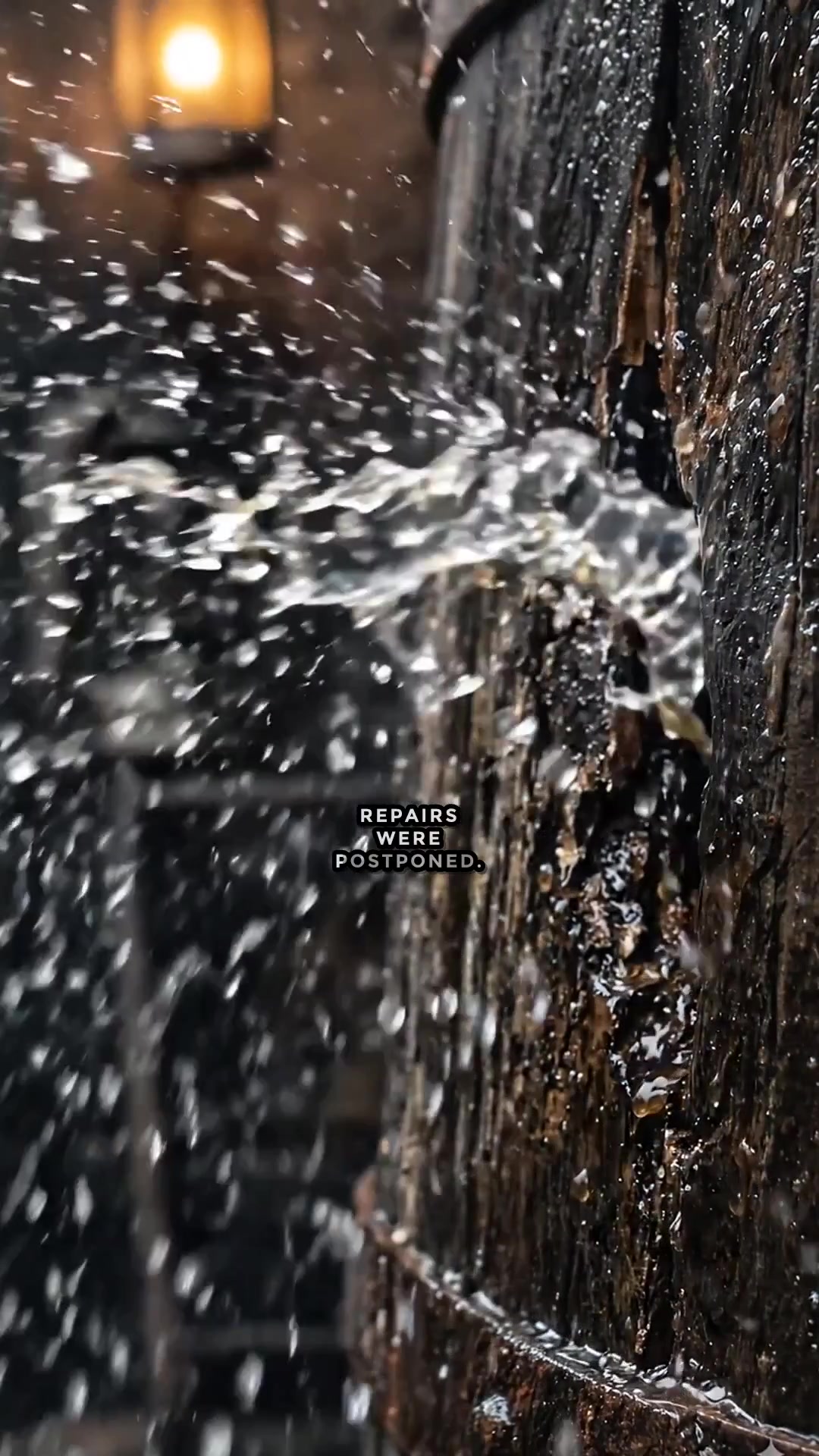
Turn on subtitles
Automatic speech recognition, line-by-line splitting, appearance settings — and subtitles get burned right into the video. This matters especially for vertical shorts: they're often watched without sound.
Assemble the edit and grab your video
Automatic assembly places shots against the voiceover, keeps the rhythm and creates transitions between scenes. Then export — and the finished video is yours: time to publish.
One click or step-by-step control
Once the outline is ready, Reelora offers two paths. The first is one button: generation starts for the whole script, and you get an assembled video without extra moves. This is the option when the topic is simple and you liked the outline right away.
The second path is step by step. You go through the stages manually: generate references, review shots, tweak prompts, replace failed scenes. Slower, but you control every shot — that's how videos get made where every second counts.
- One button — speed: the whole script generates at once.
- Step by step — control: you review and adjust every stage.
- You can copy the outline and feed it to your own trained AI: it already knows the structure, will return a ready script that you simply paste back into Reelora.
Your own footage instead of generated clips
Reelora isn't a factory for purely artificial shots. Any generated photo or video can be swapped for your own file — and vice versa. Editors mix live footage with generated inserts this way: part of the scene is real, part gets filled in.
There's also a special case: a photo the AI refuses to animate due to moderation or an overly complex frame. You can throw effects and overlays onto it that turn a static image into living video.
The key thing: edits are surgical. Regenerate one shot, swap one scene — the rest of the video stays untouched. For more on working with your own files, see the section on your own footage.
What affects the quality of your final video
Set the frame proportions at the very start: reformatting a finished video later is wasted work. Vertical for shorts, horizontal for YouTube. The guide to formats and aspect ratios will help you figure it out.
Second — prompts. The outline gives you ready wording, but you can edit it: the more specific the shot description, the fewer regenerations. More examples and techniques in our collection of video prompts.
And being honest about AI weak spots: hands, small text in frame, long continuous scenes and precise physics are still tricky. Plan scenes so these don't end up center-frame, and just regenerate failed takes separately.
Frequently asked questions about creating AI videos
Can you really create a video from text?
Yes. Just write your topic — the AI builds an outline with prompts for voiceover, references, photos and videos, then generates all the parts and assembles the video. A ready script works too: paste it into the corresponding field.
Which format should I choose: long or short?
Go by platform: vertical shorts for TikTok, Reels and Shorts, horizontal long-form for YouTube. You set the format and approximate length at the first step, along with topic and language.
How long does generation take?
It depends on the video length and number of scenes. Generation runs on Reelora servers, so you can turn off your computer — the result will wait in your project. Failed shots regenerate separately, without re-running the whole video.
Can I mix my own video with generated footage?
Yes. Any shot can be replaced with your own photo or video while the rest of the scene stays as is. Handy when part of the material is already filmed and you need to generate the inserts.
Which voiceover languages are available?
Voiceover runs on ElevenLabs voices — many languages are supported, Ukrainian among them. The voiceover syncs with scenes and subtitles, so lines land precisely on the shots.
What if a shot turns out badly?
Regenerate it separately — no need to restart the whole video. If a photo won't animate at all because of moderation, apply effects and overlays to it: they'll turn the static image into video.
How much does it cost to make an AI video?
Reelora works on a pay-as-you-go model: you pay only for what's actually generated. Prices are among the lowest on the market, especially for voiceover, but they change — check the site for current pricing.
See also
Make your first video in Reelora
A topic, a couple of clicks — and the outline of your future video is right in front of you. Generate, edit shots, add voiceover and subtitles: everything in the browser, no software to install. Pay-as-you-go billing — you only pay for what you generate.
Create a video