How to keep one character and style consistent across every shot
A character who changes hairstyle, clothes and even age between shots destroys trust in your video. We break down how to lock your hero, locations and style — and keep them all the way to the final cut.
- Why a character “drifts” from shot to shot
- Two pillars of stability: the passport and the reference
- Character passport: what it should include
- Step by step: one character in every shot
- Style between shots: one visual language
- When a shot fails: targeted fixes instead of a full rerun
- FAQ about character consistency
Why a character “drifts” from shot to shot
Image and video generators don't remember your hero between requests. Each new shot is drawn essentially from scratch: the model reads the prompt and fills in the rest on its own. If the description lacks details, the model decides for itself what eyes, hairstyle and jacket the character has.
That's why in one shot the hero is a brunette in a grey hoodie, and in the next — a redhead in a T-shirt. It's not a glitch but the logical result of a vague description. Character consistency starts not with secret settings but with how precisely you described him.
The second reason is inconsistent wording. If one prompt says “a young woman in a business suit” and another just says “a girl”, the model builds a new image every time. One character in an AI video is only possible when his description is word-for-word identical in every shot.
Two pillars of stability: the passport and the reference
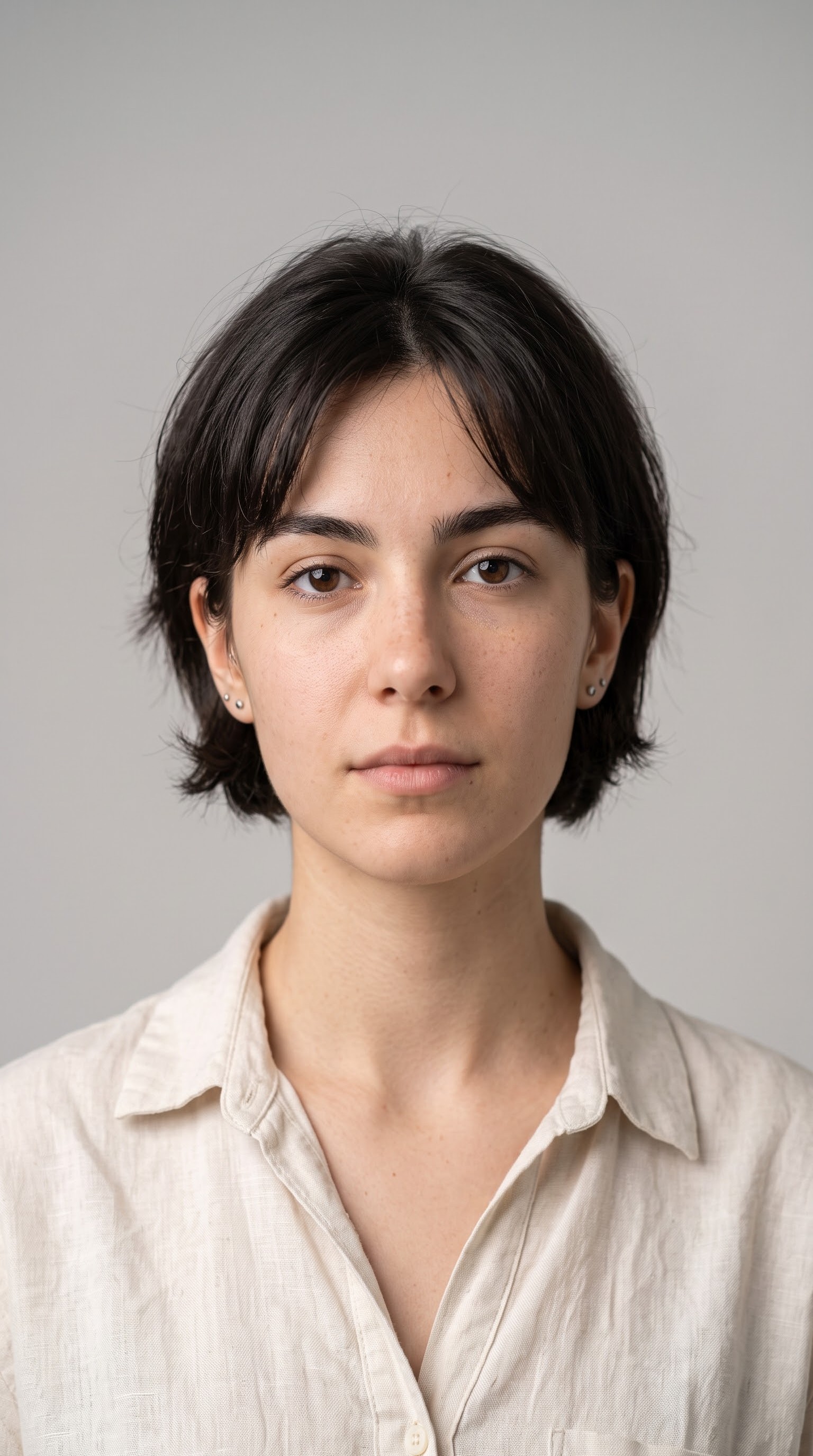
There are really two tools. The first is a detailed text description, a kind of hero passport: appearance, clothing, distinctive traits. The second is a reference photo the model relies on when generating shots. Together they cover most problems with “drifting” looks.
In Reelora this is built into the workflow itself. When you create a video in long-video mode, the AI builds the skeleton of the future script — and it already includes slots for reference prompts, separate from the prompts for photos, video and voiceover. First you lock down how the heroes and locations look, then you generate shots on top of that foundation.
More about this mechanism in our overview of the long-video mode. Next, we'll look at what exactly to write in your descriptions so the model has no room for imagination.
Character passport: what it should include
Write as if you were describing a friend to an artist who has never seen him. The more specific you are, the less freedom the model has to invent things.
One important rule: the passport contains only what doesn't change between scenes. Emotions, pose, action belong in the individual prompts of each specific shot. If you mix permanent traits with situational ones, the model will start confusing both.
We covered the ready-made prompt structure — subject, action, setting, style, camera — separately in our prompt guide. The character passport slots in there as a fixed block you copy from shot to shot.
- Gender, approximate age, build
- Hairstyle and hair color, eye color
- Clothing: specific items, colors, fabric texture
- Distinctive features: glasses, beard, scar, any recognizable detail
- Overall vibe of the hero: calm, energetic, thoughtful
Step by step: one character in every shot
Create the hero's passport
Describe appearance, clothing and distinctive features in one dense paragraph. This exact text will repeat almost verbatim in every prompt, so save it as a separate note.
Generate a reference photo
Paste the passport into an image generator — for example Nano Banana — and get a portrait of the hero. Refine it until you see “the one”. More details in our piece about Nano Banana.
Lock down the locations
Describe each location as thoroughly as the hero: time of day, lighting, colors, key objects. Without this, the café from the first shot will quietly turn into a different café by the third.
Assemble the script skeleton
In long-video mode, describe your topic — and the AI will assemble a skeleton with slots for references, photos, video and voiceover. Place the passport, reference and location descriptions in their slots before generating anything.
Generate and check against the passport
Run the shot generation and compare the result with the reference. Focus primarily on the fixed traits: hair, eyes, clothing, age. Small discrepancies are normal; gross ones call for a targeted fix.
Fix only the problem shots
Don't rerun the whole video because of one failed scene. Any shot in Reelora can be regenerated or replaced individually — the rest of the edit stays untouched.
Style between shots: one visual language
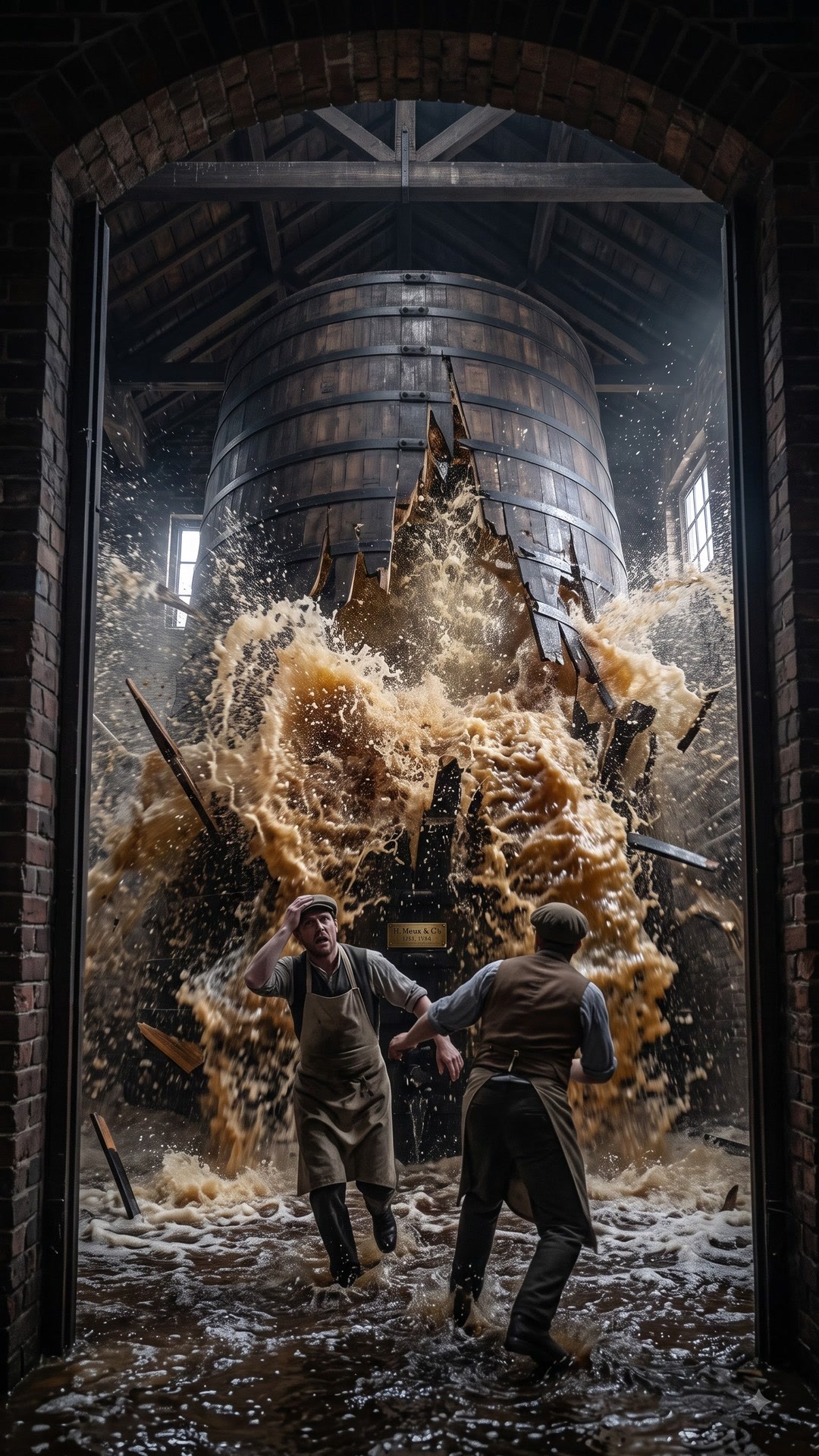
Consistency isn't just about the hero's face. Viewers instantly notice if one shot has warm evening light and the next a cold midday, even though only a minute has passed in the story. Style is held between shots the same way looks are: through repeated wording.
Pick fixed descriptions and copy them into every prompt unchanged. Same goes for the camera: if the series is meant to be shot at eye level, write that everywhere instead of coming up with a fresh “beautiful cinematic shot” each time.
- Lighting: soft morning, high-contrast midday, neon evening
- Color palette: warm, cold, muted
- Visual style: cinematic, documentary, animated
- Camera: framing and angle typical of the whole series
When a shot fails: targeted fixes instead of a full rerun
Even with a perfect passport, some shots won't come out right. Generators still struggle with hands, on-screen text, long continuous scenes and precise physics — an honest limitation of the technology, not your mistake.
In Reelora, editing is targeted. Don't like a shot? Regenerate just that one, with a refined prompt if needed. Need to show a real office, product or person? Swap the generated shot for your own photo or video. And if the AI refuses to bring a complex photo to life, you can layer effects and overlays over it to turn a static image into a moving one.
This approach saves both time and budget: you pay for what's actually generated, not for dozens of reruns of entire scenes. Regenerating one shot is always cheaper than redoing a whole scene.
FAQ about character consistency
Why does my character look different in every shot?
Because the model doesn't remember previous generations: each shot is drawn based only on your prompt. If the description is short or changes every time, the model fills in the details its own way. The solution is a fixed character passport plus a reference photo repeated in every shot.
Can I use my own photos as a base?
Yes. You can add your own photos and videos at any point — as finished shots instead of generated ones, or as material for editing. For a real person, product or space, this is the most reliable option.
How much detail should the hero's description include?
Enough to cover everything that shouldn't change: appearance, clothing, distinctive features. A simple rule of thumb: if a detail matters for recognition, it belongs in the text. Situational specifics like emotions and actions are better described separately in each shot's prompt.
What if one shot doesn't match while the rest turned out fine?
Regenerate just that one. In Reelora, any shot can be regenerated or replaced individually: the story, voiceover, subtitles and edit of the rest of the video stay unchanged.
Does this work for a series of videos, not just one?
Yes, and that's the main benefit. Keeping one character consistent across an entire AI video series works precisely because the hero's passport, references and location descriptions are texts. They're easy to carry over into the skeletons of new episodes. That's exactly how faceless channels run: a series of videos with a recognizable hero and a single style.
Can I combine generated shots with my own footage?
Yes. Replace any shots with your own material and run the edit — Reelora will sync everything with the voiceover and subtitles. Handy when some scenes are real and others are AI-generated.
See also
Build a hero who never “drifts”
Create a character passport, generate a reference and go the whole way — from script skeleton to a finished video with voiceover and subtitles — in one studio.
Try Reelora