Anatomy of a Good AI Video Prompt
A good video doesn't start with the “generate” button — it starts with the sentence you write to the model. We break down prompt structure piece by piece and show you how to write prompts that deliver a predictable shot.
- What an AI Video Prompt Is Made Of
- Camera, Lighting, Style: Three Levers That Change Everything
- How to Write Prompts: Step by Step
- Negative Prompt: What to Keep Out of the Frame
- Bad → Good: Typical Prompt Mistakes
- Character Consistency Across Shots
- The Prompt Framework From Long Video Mode
- Common Questions About AI Video Prompts
What an AI Video Prompt Is Made Of
A video model sees nothing but the text you give it. No context, no guesses about your intent — just words. That's why “how to write prompts” is, above all, a question of completeness: every detail you put into words ends up in the frame, and everything you skip, the model decides on its own.
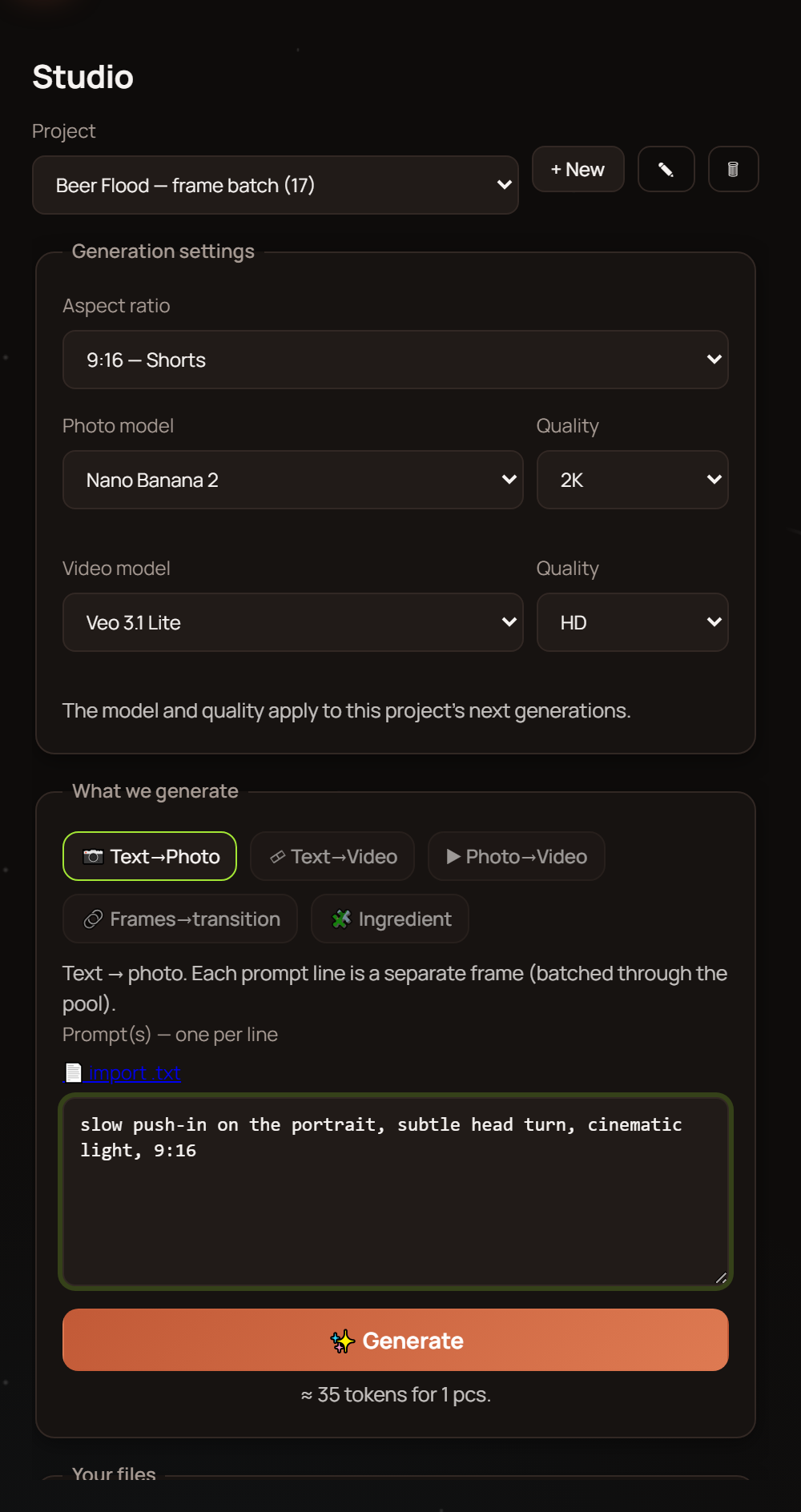
A working prompt structure looks like this: subject → action → camera → lighting → style → atmosphere → technical constraints. It's not dogma, it's an order of priorities: if the prompt needs trimming, cut it from the end, not the beginning.
- Subject: who or what is in the frame — appearance, clothing, age, one distinctive detail.
- Action: what's happening right now, movement, pace.
- Camera: shot size, angle, camera movement.
- Lighting: source, direction, temperature.
- Style: realism, cinematic, animation, era, palette.
- Atmosphere: the mood of the scene and its surroundings.
- Negatives: what must not be in the frame.
Camera, Lighting, Style: Three Levers That Change Everything
If you had to pick the most important parts of the whole prompt structure, these would be it. The camera decides how the viewer looks at the scene: a wide shot shows the environment, a close-up shows emotion, camera movement adds dynamism. One word — “close-up” — replaces a paragraph of explanation.
Lighting sets the mood faster than any adjective: “soft morning light from a window” and “harsh contrasty spotlight” give you two different films from the same script. Style tells the model which rules to draw by: documentary realism, film-like cinematography, or animated stylization.
The golden rule: be specific, not evaluative. “Warm side light, soft shadows” works; “nice lighting” doesn't, because the model has no idea what nice means to you.
How to Write Prompts: Step by Step
Start with the subject
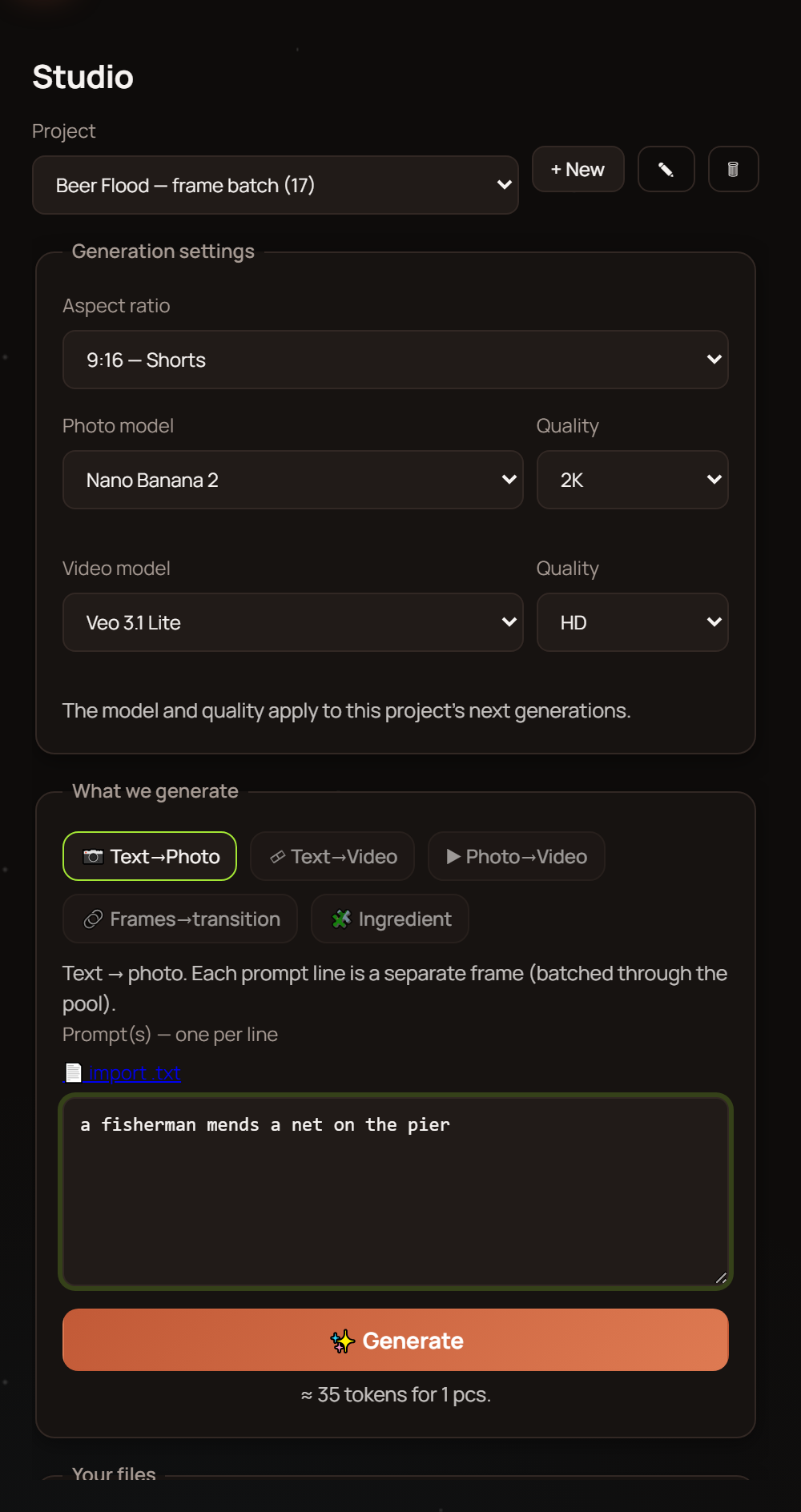
Describe your character or object so they'd be recognizable even without a picture: age, build, clothing, one distinctive detail.
Add action in the present tense
“A woman pours coffee,” not “a woman is going to pour.” The model draws a moment, not a plan for the future.
Set the camera
Pick a shot size and angle, plus movement if needed: slow push-in, pan, locked-off tripod.
Describe the lighting
Source, direction, temperature. Two or three words are enough — what matters is being specific.
Cover style and atmosphere
Genre, era, palette, ambient sound if it matters to the scene.
Add negatives
List what shouldn't be there: deformed hands, text in the frame, logos.
Change one variable at a time
Don't like the shot? Tweak one thing at a time: lighting, shot size, or action. That way you'll see exactly what moved the needle instead of rerunning a lottery.
Negative Prompt: What to Keep Out of the Frame
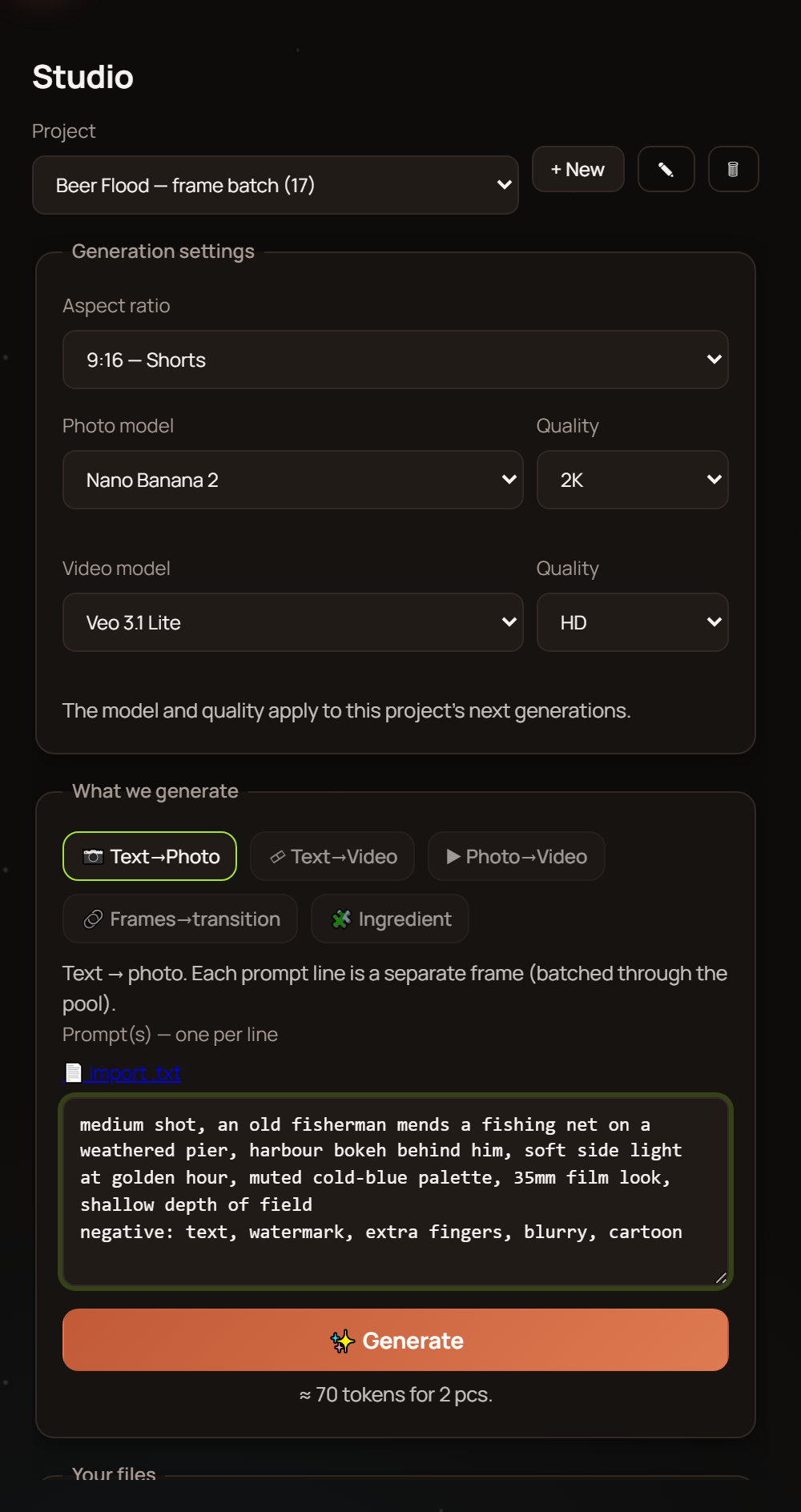
Negatives are a list of what must not appear in the frame. They save you regenerations: instead of rerunning the scene ten times and hoping for luck, you switch off the usual problems upfront.
AI is still weak at hands, small text in the frame, long continuous scenes, and precise physics — that's an honest limitation of every model. Which is exactly why your negatives should explicitly ban deformed fingers, readable lettering, logos, and abrupt jumps in the action.
Don't turn your negatives into a blanket ban list: five to seven substantive points work better than three dozen generic words.
Bad → Good: Typical Prompt Mistakes
| Bad | Good |
|---|---|
| “A handsome guy talking” | “A young man in a navy sweater talking to camera, close-up, soft side light” — specifics instead of value judgments. |
| “An epic city at night” | “A city at night after rain, neon reflections on wet asphalt, high wide shot, cold palette” — a scene you could actually paint. |
| “Something interesting with a cat” | “A ginger cat leaps onto the windowsill, camera at the cat's eye level, morning light from the window” — subject plus action plus camera. |
| “No bad hands” in the positive | Describe the hands in the positive (“hands rest calmly on the table”) and put “deformed fingers” in the negatives — every rule in its place. |
| “Make it cool and professional” | “Cinematic style, shallow depth of field, warm color grading” — style described through traits, not epithets. |
Character Consistency Across Shots
The most common pain of serialized content: in the first shot your heroine is a red-haired woman in glasses, and by the third she's a blonde without them. For a character to stay themselves, their description has to be fixed and repeated verbatim in every prompt.
Create a “character passport”: two or three sentences covering age, facial features, hairstyle, clothing, and way of moving. Copy this block into every shot without edits — any “tiny tweak” in wording means a brand-new person as far as the model is concerned.
For photo references and finer control, there's a dedicated guide on character consistency — it walks through keeping one hero intact across an entire series of videos.
The Prompt Framework From Long Video Mode
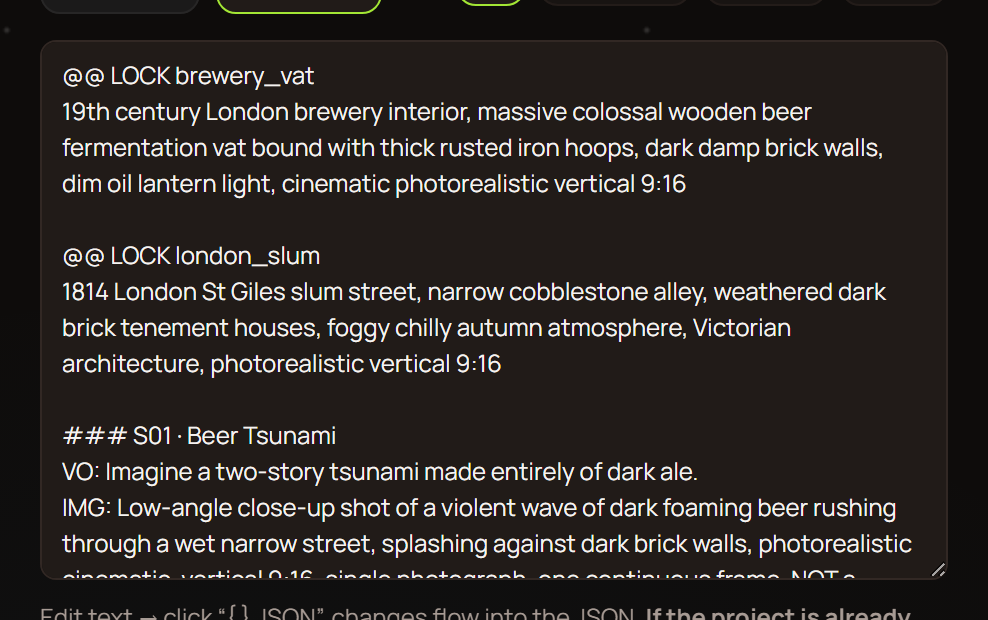
Writing every prompt by hand for a long-form video or a series of shorts takes hours. In long video mode, you pick an approximate length, format (long or shorts), topic, and language — and the AI builds a ready-made framework for your video.
Everything in the framework is already in its place: voiceover prompts, reference prompts, photo prompts, and video prompts. Then you have two paths: fire off generation for everything with one button, or go step by step and review each stage — the second option gives you more control.
The killer feature for automation fans: you can copy the framework and feed it to your own trained AI. It already knows the structure, so it returns a finished script in the same format — you just paste it back into Reelora and everything clicks into place. That's how your prompt style scales across dozens of videos: this is prompt engineering for video running on autopilot.
For more ready-made phrasings for individual shots, head to the video prompts guide.
Common Questions About AI Video Prompts
Can I write prompts in a language other than English?
Yes. Some creators stick to English for stability, but other languages work too. The simplest test: generate one scene in both languages and compare the results on your own story.
How long should a prompt be — short or long?
Aim for 2–5 sentences: subject, action, camera, lighting, style. Too short and the model is left without directions; too long and your priorities get blurred. Cut anything that doesn't affect the frame.
The result isn't right: regenerate or rewrite the prompt?
If the shot is close to what you intended, just regenerate — randomness might play in your favor. If the model misunderstands you every single time, the problem is the wording: rework the prompt structure.
How do I keep a character consistent across all shots?
Lock the character description verbatim and copy it into every prompt unchanged. For more complex scenarios with reference photos, check out our guide on character consistency.
Is a negative prompt mandatory?
No, but it saves regenerations. Five specific bans — deformed hands, text in the frame, logos — usually clean up the result far better than a long list of generic words.
Can I reuse one prompt for an entire series of videos?
Yes, and it's the backbone of faceless channels: one scene framework with variable slots for each new topic. And to avoid assembling prompts manually, use the framework from long video mode.
Can I insert my own footage instead of generated shots?
Yes. Any shot in Reelora can be swapped for your own photo or video, or regenerated separately without touching the rest of the video. You only need a prompt where you're actually generating.
What if the AI refuses to animate my photo?
You can apply effects and overlays to such a photo — they turn a still image into video without any generation. It's a reliable fallback for tricky or moderated shots.
See also
Put Your Prompt to the Test
Build your first video using the scheme from this guide: describe the scene, set the camera and lighting, add negatives — and Reelora will generate, voice, and edit the rest.
Create Your First Video