Video Generation Prompts: Ready-Made Examples for Different Genres
We've put together working examples of video generation prompts — from ads and vlogs to cinematic shots, anime and b-roll. Copy them, adapt them to your topic and run them in Reelora.
What a video prompt consists of
A good prompt for AI video is a scene described through a director's eyes. The model can't see your idea, so you need to spell out who's in the frame, what they're doing, how the camera moves, what the lighting is like and what style everything is shot in. The more specific the description — the fewer surprises in the result.
Models understand English most reliably, which is why all the examples below are in English. You write the topic, voiceover and subtitles in your own language — Reelora handles that at the assembly stage. The visual description for video generation, however, is best kept in English.
- Subject — who or what is in the frame: a person, product or location.
- Action — what's happening: pouring coffee, walking in the rain, a bottle rotating.
- Camera — movement and shot type: slow push-in, orbit around the product, drone flyover, close-up.
- Lighting — time of day and character: golden hour, soft studio light, neon glows.
- Style — cinematic, anime, documentary, commercial.
- Mood — calm, high-energy, nostalgic: it sets the colors and pacing.
How to use these examples
Don't copy these video prompts verbatim as-is — treat them as a framework. Keep the structure (subject, action, camera, lighting, style) and swap in your own details: location, product, brand palette. A single paragraph of description changes the mood of a shot more than you'd think.
If the result misses your vision, change one variable at a time: first the lighting, then the angle, then the action. That way you'll quickly see which words actually affect the generation and build your own library of proven prompt examples.
Ads, product videos and vlogs
A cozy specialty coffee shop at sunrise, warm golden light through large windows, steam rising from a fresh espresso cup on a wooden counter. Slow dolly-in toward the cup, shallow depth of field, barista hands pouring latte art in the background.
A universal starting point for local businesses. Change the interior details — the shot structure works for almost any coffee shop or restaurant.
Macro shot of a minimalist glass serum bottle rotating slowly on a wet stone surface, soft studio lighting, water droplets sliding down the glass. Clean beige background, gentle camera orbit, premium commercial look.
The product shot formula: product + surface + light + slow camera movement. Plug in your own product and background color to match your brand.
A young woman sitting on a windowsill in a bright apartment, smiling while using her smartphone. Close-up insert of the phone glowing softly, then back to her relaxed face. Natural daylight, modern lifestyle commercial style.
For digital products, show the user's emotion rather than the screen. AI still struggles with on-screen text — it's better added as an overlay during editing.
Overhead slow-motion shot of melted cheese stretching as a slice of pizza is lifted from a rustic wooden board, warm restaurant lighting, crispy crust details, appetizing steam rising.
Food loves macro, slow movement and warm light. Shots like this hold attention well in Shorts and Reels.
Handheld POV walk through a sunlit European old town street in early morning, cafe terraces opening, pigeons taking off, camera smoothly following the walker. Vibrant yet natural colors, travel vlog aesthetic.
Set your channel's vibe with a single shot. Swap locations to match episode topics but keep the same description style — you'll get a recognizable intro.
Montage-style shots of a content creator's day: typing on a laptop by a window, coffee cup beside a notebook, headphones on a desk, sunset seen from a balcony. Soft natural light, calm pacing, lifestyle vlog b-roll.
A set of atmospheric cutaways between scenes. One prompt gives you a series of shots you can spread across the whole video.
A modern dental clinic interior, friendly dentist greeting a patient with a handshake, clean white and mint color palette, smooth gimbal camera movement through the hallway, bright welcoming atmosphere.
A template for any service business: premises + person + action + brand palette. Swap the details for your own field.
Cinematic shots and b-roll
Cinematic aerial view of a neon-lit megacity at night, rain-soaked streets reflecting pink and blue signs, a lone figure with an umbrella crossing the street. Moody teal-and-orange grade, slow drone descent.
Neon glows + rain + a lone figure = cinematic shot classics. Works great as a cover or opening for a video.
Extreme close-up of an elderly man's weathered face, deep wrinkles catching soft window light, his eyes slowly looking up toward the light source. Shallow depth of field, muted colors, documentary film portrait style.
Face + side light + minimal movement. This kind of shot adds weight to a video and works well under a voiceover.
Slow lateral tracking shot across a designer's desk: sketches, color swatches, a tablet with stylus, morning coffee steaming. Warm side lighting from a window, dust particles floating in the light beam, creative studio mood.
Universal cutaways for business videos and tutorials. Lateral camera movement creates the feel of professional filming.
Golden hour drone shot flying low over a misty pine forest, sunlight breaking through fog between the trees, a river glinting far below. Smooth forward motion, epic nature documentary feel.
Nature turns out best when you specify time of day and weather. Forward drone motion is the most predictable option.
Time-lapse style shot of a busy crosswalk in a big city, crowds moving fast while traffic lights change, motion blur on people, static camera angle from above street level. Cool urban tones, energetic pace.
The contrast between a static camera and fast-moving people conveys the tension of a big city. A good transition between scenes.
Close-up of skilled hands kneading dough on a flour-dusted wooden table, fingers pressing and folding, flour dust rising in warm backlight. Slow motion, tactile texture detail, artisan craft atmosphere.
Hands in motion are an AI weak spot, so ask for a simple repetitive action in close-up. If the shot fails — just regenerate it separately.
Anime and documentary
Anime style scene of a girl standing on a train platform at dusk, cherry blossom petals drifting in the wind, distant city lights turning on. Hand-drawn 2D animation look, soft pastel palette, gentle wind blowing her hair.
For anime, state the style directly in the prompt: anime style, 2D hand-drawn. Petals, rain, streetlights — details that create a recognizable mood.
Dynamic anime action sequence: a young swordsman dashing across rooftops at sunset, cape fluttering, dramatic low-angle camera following the jump between buildings. Bold outlines, vivid orange sky.
Action requires clear movement geometry: where from, where to, with which camera. Short dynamic scenes work better than long ones.
Anime establishing shot of a quiet seaside town in summer morning, fishing boats bobbing in turquoise water, laundry lines between white houses, seagulls circling. Painterly backgrounds, warm nostalgic light.
Landscapes are the easiest entry into anime style: no characters means no anatomy risk. Use them as intros and transitions.
Documentary interview setup: a middle-aged craftsman sitting in his workshop surrounded by tools, speaking calmly to someone off-camera, soft window light from the left, slight handheld camera drift. Natural colors, realistic textures.
This kind of shot works well under narration: the viewer sees the hero seemingly telling the story.
Wildlife documentary shot of a red fox moving cautiously through tall grass at dawn, dew drops on blades of grass, telephoto lens compression, shallow focus on the fox's eyes. Muted earth tones, patient observational pacing.
Telephoto lens + dew + low sun give a recognizable naturalistic look. Animals in motion are a lottery, so generate several takes.
How to run all of this in Reelora
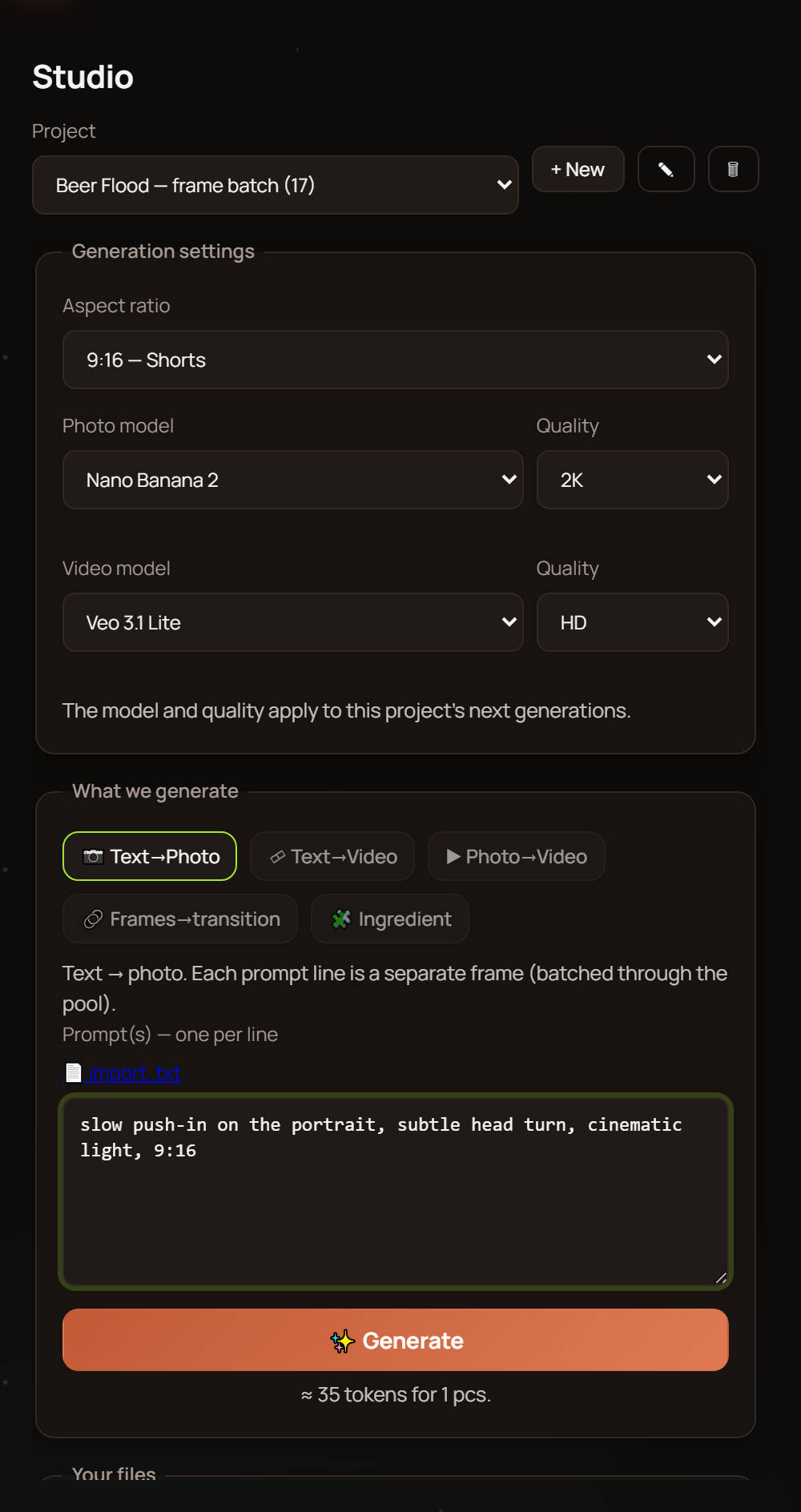
Copy the examples you need, paste them into the editor and choose Veo 3 for video generation. The first shot will show whether the prompt hit the mark: if something's off — tweak one detail at a time instead of rewriting the whole description. That way you'll figure out faster which words actually affect the result.
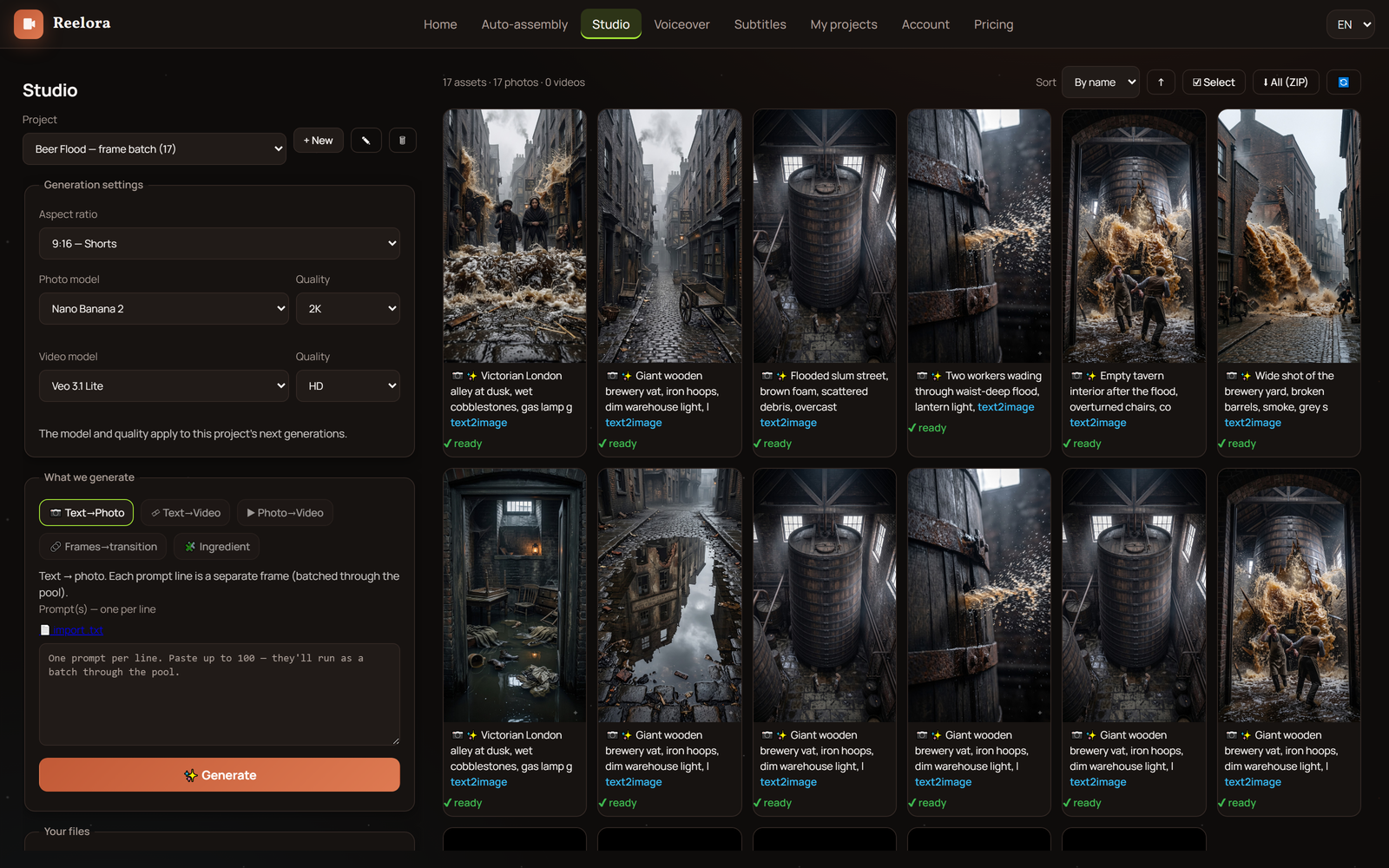
Once you've accumulated a lot of prompts, run them in batches via batch generation: you can queue up to 500 prompts at once. Jobs run on Reelora's servers, so you can switch off your computer — finished shots will be waiting in your project.
For a full-length video, it's handy to approach from the other side: in long video mode, the AI builds the framework of the future video itself — with prompts for voiceover, references, photos and videos already in their places. Your genre templates become the building blocks of that framework.
Then comes the standard studio pipeline: regenerate failed shots individually, replace some scenes with your own footage, add ElevenLabs voiceover (Ukrainian is available) and automatic subtitles — then hit edit. Pay-as-you-go billing: you only pay for what's actually generated.
FAQ about video prompts
Why are all the prompts in English?
Generation models understand English descriptions most accurately. This doesn't mean the whole video will be in English: you make the topic, voiceover and subtitles in your own language — only the visual description stays in English.
How many prompts does one video need?
A short vertical video gets by with a few shots; long-form video takes dozens. The framework in long video mode tells you the exact number: every scene there already comes with its own prompt.
Can I run all the examples at once?
Yes. Batch generation lets you queue up to 500 prompts at a time, and they run on servers — you don't need to keep your browser open.
A shot didn't come out the way I wanted. What should I do?
Regenerate just that shot without touching the rest of the video. Before that, change one variable in the prompt: lighting, angle or action. Rewriting the entire description usually just moves you further from the result.
How do video prompts differ from photo prompts?
In video, movement is added to composition: camera, subject, environment. That's why verbs and shot types matter so much here. Static images have simpler logic — and their own separate set of examples.
Can I replace generated shots with my own footage?
Yes, any shot in the video can be swapped for your own photo or video. Often that's faster than chasing the perfect prompt for a scene you could easily film yourself.
Which genres generate best?
Static or slow scenes give the most reliable results: product shots, landscapes, city atmosphere. Harder for AI are fast action, precise physics, on-screen text and human hands — so those scenes are worth generating with multiple takes.
See also
Run these prompts in Reelora
Copy the examples, adapt them to your topic and generate your first shots. Regenerate individual scenes, add voiceover and subtitles — and assemble the finished video right in your browser. You only pay for what's actually generated.
Open Reelora