Dozens of client videos every month — without growing your team
A handful of clients, dozens of videos a month — and not a single new editor on payroll. Here's how to put content production on repeat with the browser-based Reelora studio.
A few clients, dozens of videos — and no extra editors
Five clients, each needing several videos a month: promos, product reviews, shorts for social media. Classic video production at that volume drags in a scriptwriter, an editor, a voiceover studio and a separate round of revisions. There's physically no room for a sixth client — the team calendar is packed.
Hiring people for every new project is a dead end: costs grow faster than revenue, and quality drifts because different hands touch each video. The way out is to hand the routine work to a tool that generates, voices and edits on its own, while your team keeps control over the result. That's how agency video becomes predictable in timing and stops depending on endless freelancer hunting.
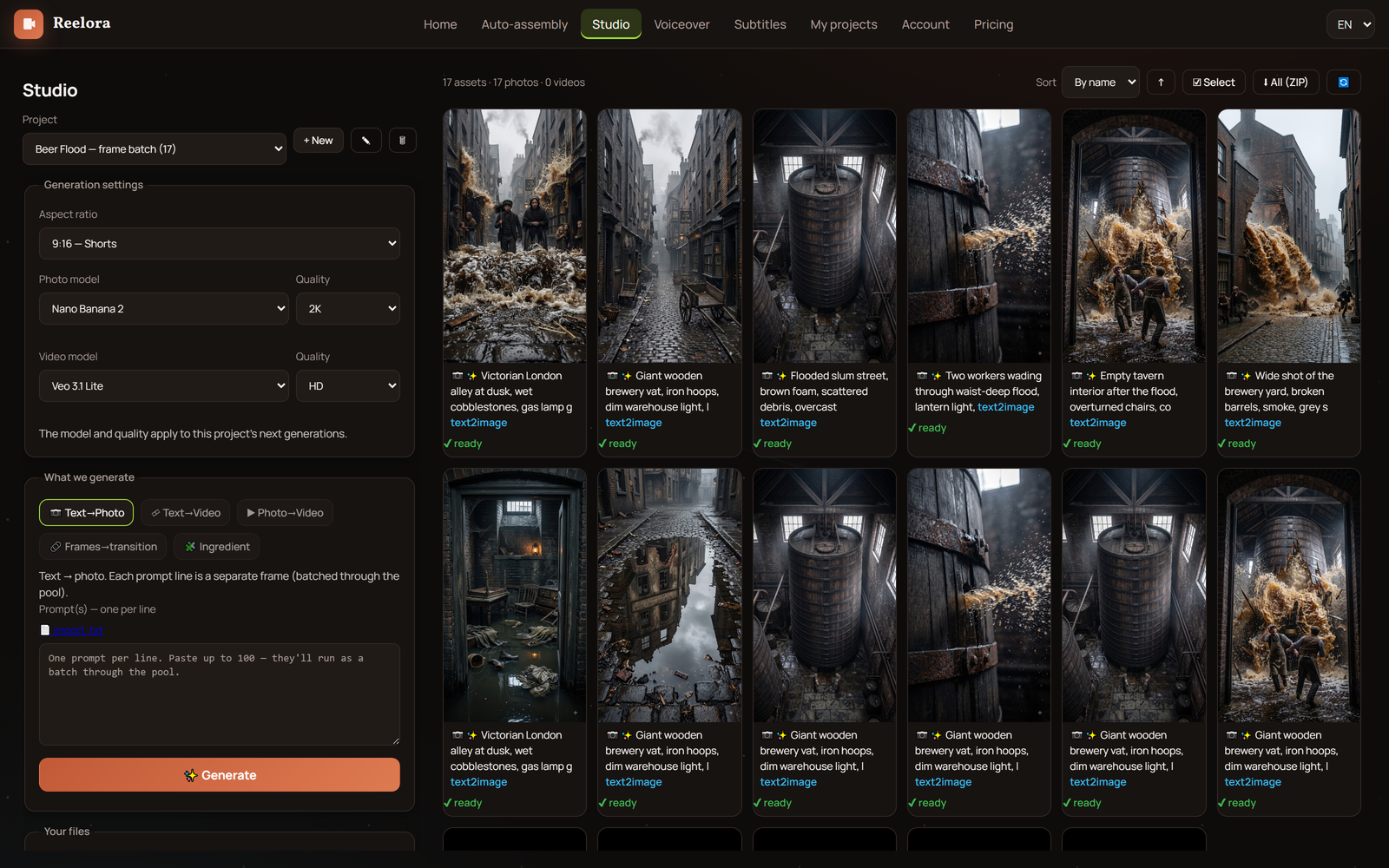
Reelora is an online AI studio for generating video and photos that runs right in your browser, no installs needed. It's not a "one button made the video" gimmick but a full cycle: script scaffold, frame generation, voiceover, subtitles and editing — with the ability to step in at any stage.
What an agency actually gets
Script scaffold in a minute
You set length, format, topic and language — AI builds the structure of your future video with prompts for voiceover, photos and footage in their places.
Content at scale
Batch generation of up to 500 prompts at once: launch in the evening, wake up to finished assets.
Rendering without your computer
Generation runs on Reelora servers, so once you launch a batch you can safely shut your laptop down.
Revisions without rebuilding
Any shot can be regenerated or replaced individually — the rest of the video stays untouched.
Your own footage alongside generated shots
Drop the client's filmed material in place of any shot and hit edit.
Voiceover and subtitles built in
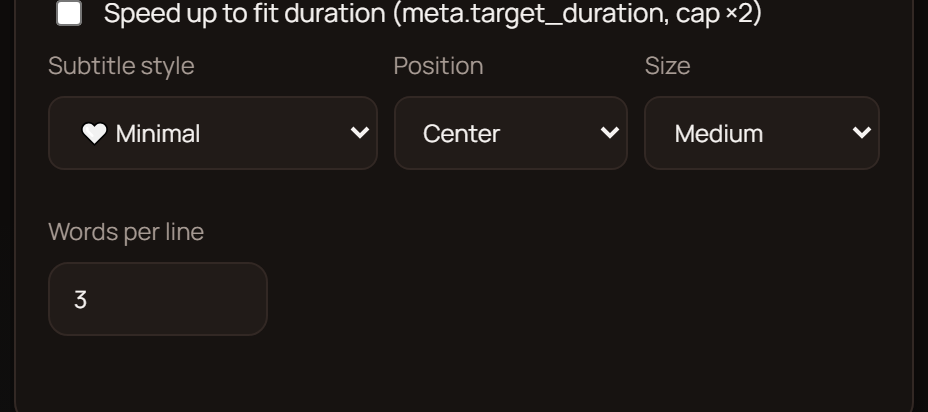
ElevenLabs voices in many languages, including Ukrainian, plus automatic subtitles with full styling control.
Script scaffold: the foundation of video production
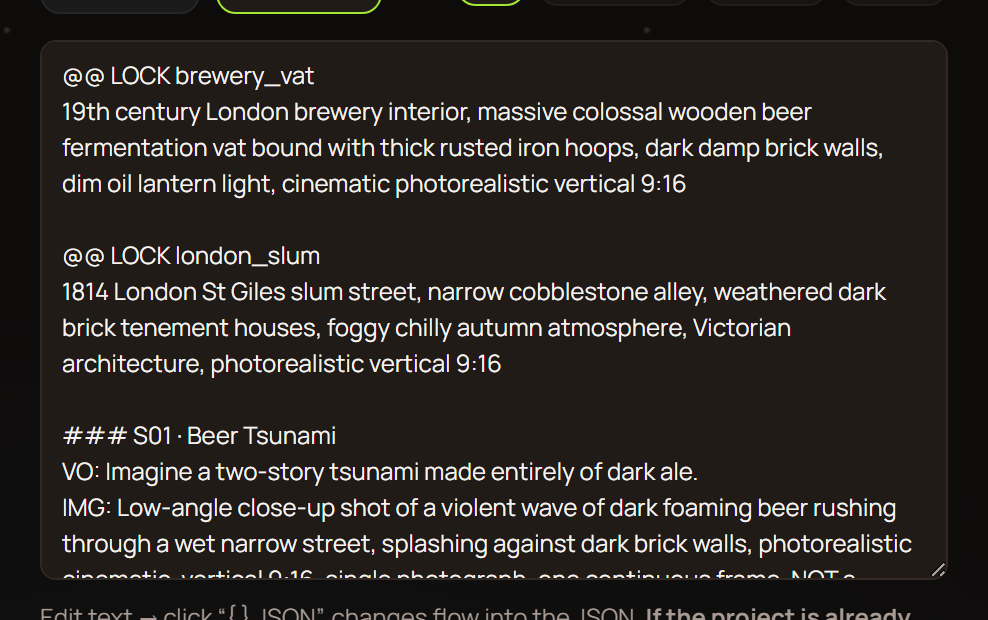
The most important stage of any agency video is structure. In long-video and shorts mode you pick approximate length, format (long-form or shorts), topic and language — and AI assembles a ready-made scaffold for your future video.
The scaffold comes with everything you need built in: prompts for voiceover, references, photos and video — each in its place. From there, two paths: one button kicks off generation for the entire script, or you go step by step and check each stage. For client work the second option is more convenient: you control quality before the client ever sees the material.
There's a bonus for teams with their own trained AI: copy the scaffold and paste it there — the model already knows the structure, so it will return a finished script. Paste it back into Reelora and everything falls into place. Read more about this mode in our long-video mode overview.
Batch generation: launch at night, results by morning
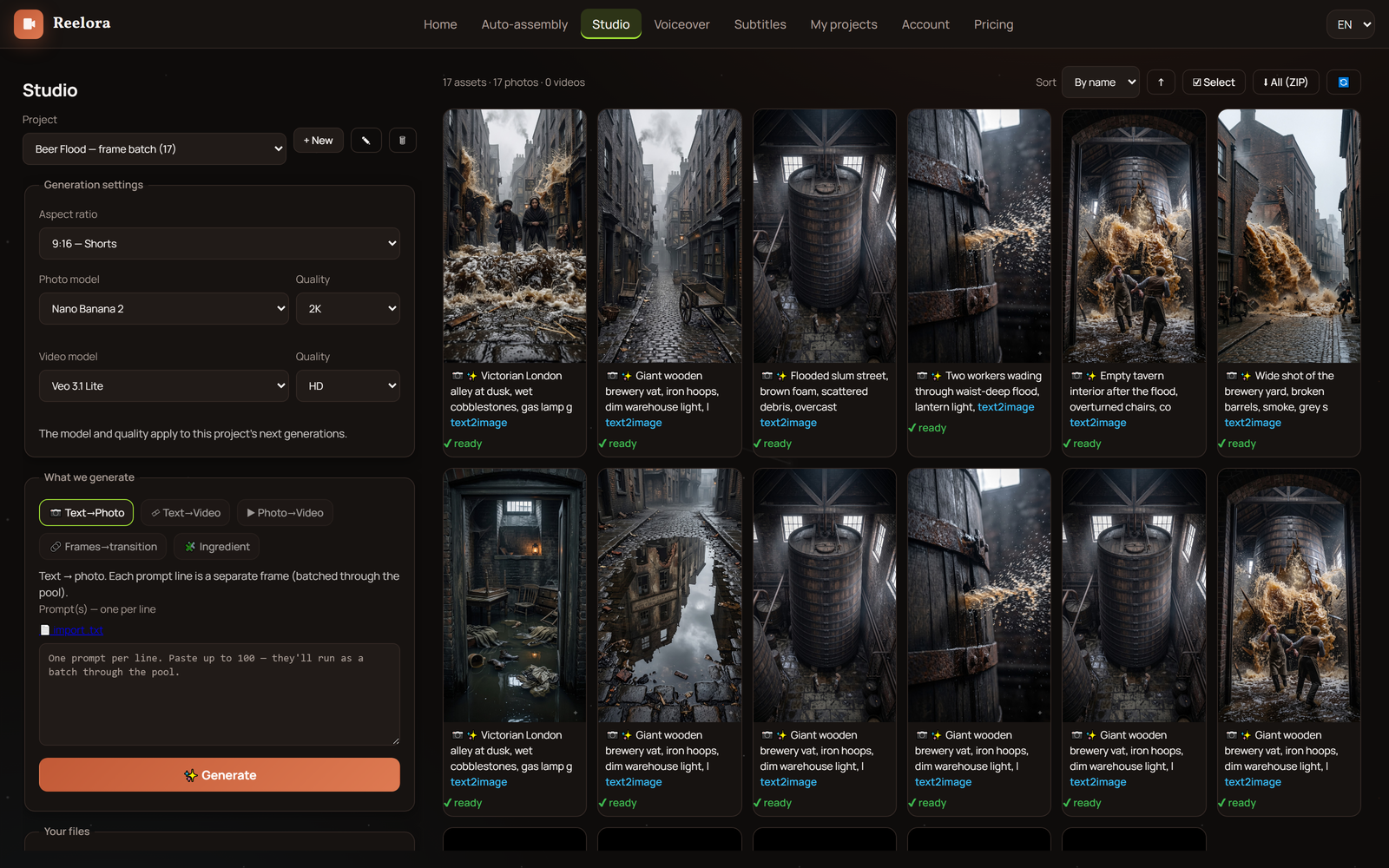
The main superpower for high-volume production is batch generation of up to 500 prompts at once. Map out tasks for all your clients in the evening, launch the batch — and shut down your computer. Generation runs on Reelora servers, and by morning the results are already waiting in your project.
This changes the very rhythm of how your studio works. Instead of hours next to a render bar, you plan the week: Monday — a promo for a retailer, Tuesday — a series of shorts for an expert channel, Wednesday — training videos for a SaaS client. Content at scale stops being a slogan and becomes a schedule.
Financially it's calmer too: pay-as-you-go billing means you only pay for what actually gets generated. We covered how to prepare large batches without overspending separately in our batch generation guide.
Client revisions, your own footage and consistent quality
The most painful part of client work is revisions. In classic video production, a request like "replace the third scene" often means recutting half the timeline. In Reelora, any shot can be regenerated or replaced individually without touching the rest of the video.
Client sent over their own footage? Drop it in place of generated shots and hit edit — automatic assembly syncs the material to the voiceover and rhythm. And if AI refuses to animate a particular photo due to moderation or a tricky angle, you can add effects and overlays that turn the still image into video. More about working with your own material in our own footage section.
Consistent style across videos comes down to simple things: structure is set by the scaffold, subtitle look by settings, voice by your chosen ElevenLabs timbre. Keep these parameters steady across projects — and all of a client's videos come out in a recognizable style. The same approach works for serialized projects like faceless channels: if you run those for clients, check out our channels guide.
Frequently asked questions from agencies
Can Reelora handle work for multiple clients at once?
Yes. The script scaffold speeds up prep, batch generation of up to 500 prompts lets you run tasks for different projects in one go, and targeted shot replacement cuts revision time. This exact combination makes agency video scalable without expanding headcount.
What exactly can you run overnight?
Any generation tasks: shots, voiceover, assembling videos. Once launched, you can shut your computer down — everything is processed on Reelora servers, and the results will be waiting in your project.
We have the client's own footage. Can we use it?
Yes, you can add your own photos or videos instead of generated ones at any point. If the material needs cutting to fit the voiceover — just swap in your shots and hit edit.
A client asked to replace one scene. Do we have to rebuild the whole video?
No. Any shot can be regenerated or replaced individually, and the rest of the video stays exactly as it was. After the swap, rerun the edit — and the updated version is ready.
Which models are available for generation?
For video — Veo 3; for images — Nano Banana and Nano Banana 2 / Pro; for voiceover — ElevenLabs voices. You pick the model for each specific task right in the interface.
How does pricing work?
On a pay-as-you-go model: you only pay for what actually gets generated. Prices are among the lowest on the market, including ElevenLabs voiceover. Check the website for current figures — they may change.
See also
Put video production on repeat
Build a script scaffold for your first client, launch a batch of tasks in the evening — and see what's ready by morning. No new job openings, no overnight renders.
Create a video