Overlays & effects: how to bring a photo to life when AI won't animate it
Some photos stubbornly refuse to animate: moderation or a tricky frame — and the model simply won't cooperate. There's a way out: layer effects and overlays onto the static frame — and it turns into full-fledged video.
Why AI sometimes refuses to animate a photo
You generate video from a photo — and suddenly some frames just won't animate. The model returns an error or produces a "dead" result with no movement. The reasons vary: moderation blocks certain content, the composition is too complex to interpret, or the image is technically heavy — tons of tiny details, text in frame, unclear geometry.
That's no reason to throw the frame away and rewrite the whole script. In Reelora you can apply effects and overlays to such a photo — they'll add motion, rhythm and atmosphere, turning the static frame into a proper clip segment.
It's important to understand the difference. True image animation makes objects move inside the frame — read more about it in the image-to-video guide. Effects work on top of the photo: they don't animate people or objects, but they create a sense of motion. Often that's enough for viewers not to suspect a thing.
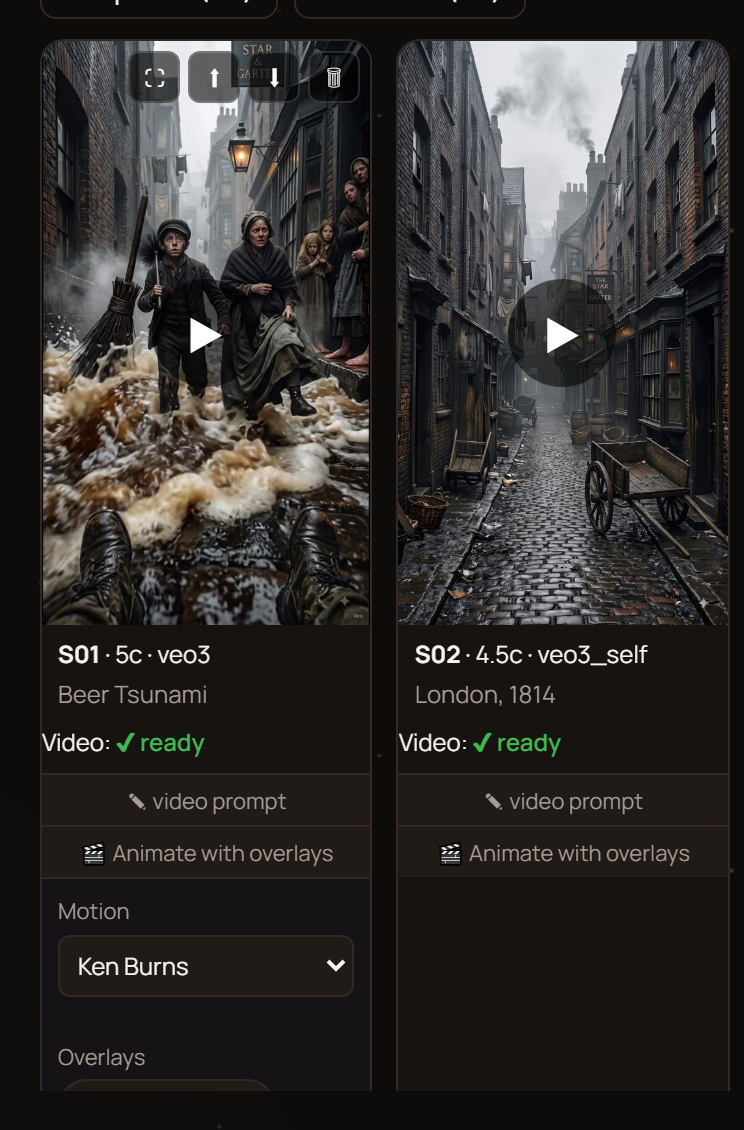
Four ways out for a frame that won't animate
Regenerate the attempt
Sometimes it's a one-off problem: the same frame comes alive with a different prompt or another try. Any frame in Reelora can be regenerated on its own, without touching the rest of the video.
Generate a different photo
If the source image is too complex, create a simpler version with Nano Banana — such frames animate far more willingly. More on that in the article about Nano Banana photos.
Apply effects and overlays
The main hero of this page. Camera motion, light, atmosphere layered over a static photo — and the frame no longer looks like a frozen slide.
Swap in your own footage
Got your own photo or video of the same shot? Replace the generated frame with yours — how to do it is covered in the section on your own footage.
How to turn a "stubborn" photo into video: step by step
Check one more time
Before giving up on animation, try tweaking the prompt: simplify the motion description, strip out details and anything that might trip moderation. Sometimes that's enough to animate the photo with the built-in tools.
Assess the frame honestly
Ask yourself: does this frame really need object animation? If the scene is atmospheric — a landscape, an interior, a still life — effects will be more than enough.
Layer on effects and overlays
Add motion on top of the static photo: a slow camera move, light accents, atmospheric layers. One or two effects per scene — and the frame comes alive.
Drop the frame into the edit
The processed frame goes into the overall video and gets synced with voiceover and subtitles alongside the other scenes. Your "difficult" frame stops blocking anyone.
Review it in context
Watch the finished fragment next to the neighboring scenes. The main criterion: the viewer shouldn't notice that this frame was made differently.
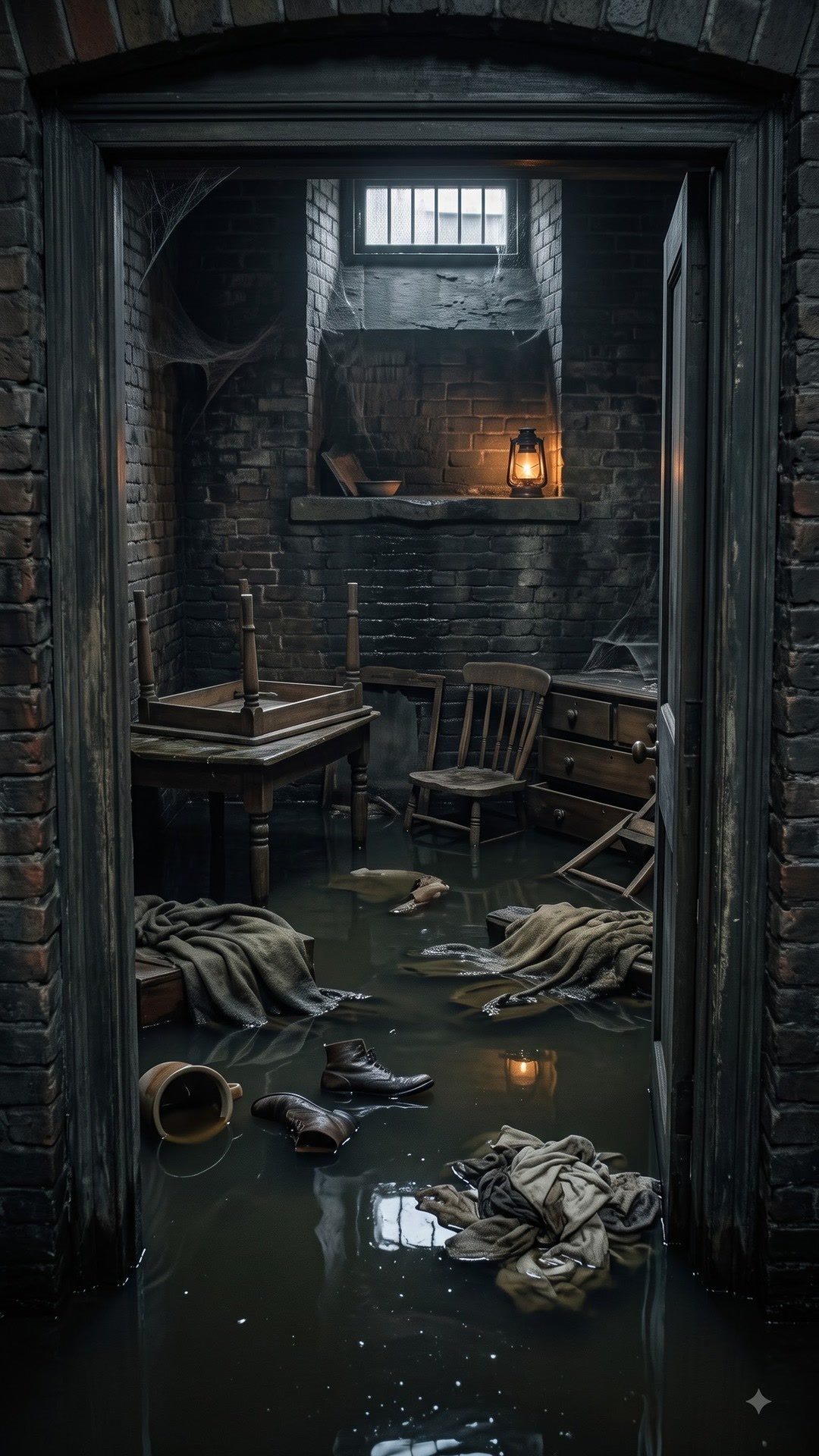
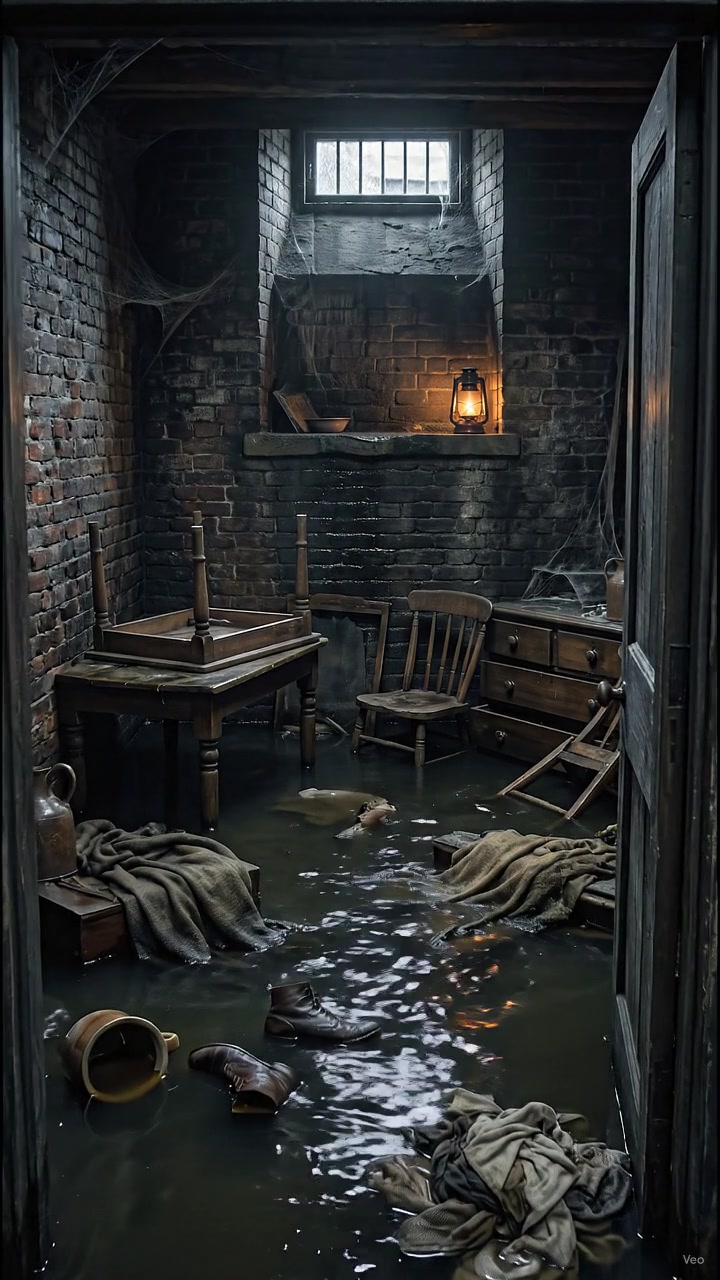
Which photo effects work best
Not all effects are equally useful. The most reliable ones imitate camera behavior: a slow push-in, a pull-back, a gentle pan. The eye reads such motion as natural, so even a static photo starts looking like it was shot on a video camera.
The second group is atmosphere: light film grain, soft light, weather layers like rain or dust in sunbeams. These video overlays don't pretend to be realistic, but they set the mood and hide the frame's frozen feel.
What to steer clear of — sharp scale jumps, garish colors and effects for the sake of effects. They instantly give away that the frame was "patched up" and cheapen the entire video.
How not to overdo it with effects
The rule is simple: one scene — one main effect. If the camera moves, rain falls, light flickers and grain gets added all at once, the viewer tires out, and the video looks like a feature demo instead of a story.
Effects are a tool for enhancing a good frame, not a band-aid for a weak one. If the scene still sticks out of the video after you've applied overlays, it's more honest to replace it than to mask it.
- Motion has to make sense: push in when you want emphasis, pull back when you're showing scale.
- Keep atmospheric layers barely noticeable: their job is mood, not a show.
- Check the result on your phone: on a small screen, unnecessary effects stand out the most.
- In doubt — regenerate the frame or swap in your own footage instead of masking it.
The mix: effects plus real animation in one video
The best videos usually aren't built from just one thing. Animated frames bring life, frames with effects bring stability and mood, and your own video clips bring authenticity. Reelora lets you freely combine all of these in a single project.
A practical scheme: generate key scenes with people and action through image animation, build atmospheric cutaways from photos and overlays, and drop in whatever you've already filmed as your own files. Automatic editing syncs everything under the voiceover into one rhythm.
This mix saves time too: no need to wrestle every frame through ten attempts at animation. A frame won't come alive? Layer on effects — and move on to the next scene.
Questions about overlays and effects
Why does AI refuse to animate some photos?
The most common reasons are content moderation and overly complex composition: fine details, text in frame, unclear geometry. Sometimes a simplified prompt helps, and sometimes the frame is simply better off treated with effects or replaced.
How do effects differ from image animation?
Animation makes objects move inside the frame — a person blinks, water flows. Effects and overlays work on top of a static photo: they add camera motion, light, atmosphere. The objects stay still, but the frame stops looking frozen.
Can effects be combined with regular animated frames?
Yes, and that's exactly how it should be done. One video can have animated scenes, photos with overlays and your own clips sitting side by side — editing pulls everything into a single rhythm.
What if effects don't save the frame either?
Replace it. You can regenerate a similar photo with Nano Banana, grab a frame from another scene, or use your own footage. No single frame is worth ruining the whole video.
Do overlays affect the rest of the video?
No. Effects apply to a specific frame; neighboring scenes stay untouched. Any frame in Reelora is edited separately, without regenerating the whole video.
How do I know there are too many effects?
If you look at a scene and see the effects first rather than what's actually in the frame — there are already too many. Stick to the rule of "one main effect per scene" and check the result on a small screen.
Can a photo be brought to life with effects alone, no animation?
For atmospheric scenes — yes: camera motion plus light and weather layers deliver a convincing sense of video. But for scenes with people and active action, true image animation will look more natural.
See also
Turn a frozen frame into living video
Open Reelora, add a photo that refuses to animate, and watch effects and overlays bring its motion back. You only pay for what's actually generated — and keep building your video from there.
Try it in Reelora