Nano Banana and Nano Banana 2 / Pro: the photo your video is born from
AI image generation in Reelora isn't a standalone feature — it's a stage of video production. We break down why a studio needs photos, how Nano Banana differs from Nano Banana 2 / Pro, and how a still frame becomes a living scene.
Why a video studio generates photos
At first glance, a video studio should stick to video. But every clip starts with a still frame: the character needs somewhere to live, the scene needs visualizing, and the cover needs drawing. In Reelora, AI image generation isn't a side gimmick — it's a full production stage, just like voiceover or editing.
You generate three types of photos. First, character and location references — so the hero looks the same in scene three as in scene one. Second, base frames that later come alive as video. Third, covers and previews that have to catch the eye in the feed.
- A reference is a "passport" for a character or location that all following scenes are matched against.
- A base frame is the starting point for animation: the video clip is born from it.
- A cover is a dedicated preview frame that has to stay readable even at small sizes.
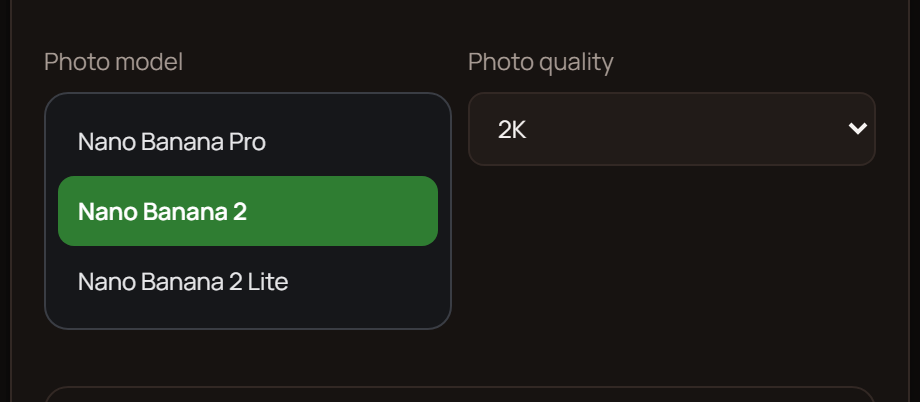
Nano Banana and Nano Banana 2 / Pro: two approaches to one task
Reelora offers two image generation models — Nano Banana and Nano Banana 2 / Pro. Both draw from a text description, but they're tuned for different stages of the workflow. You pick the model yourself in the dropdown before starting generation.
Nano Banana is about speed and exploring options. It's handy at the discovery stage: sketch out a dozen location drafts, check how the character looks in different lighting, weed out the misses and keep the direction. For bulk drafts it's the most practical tool.
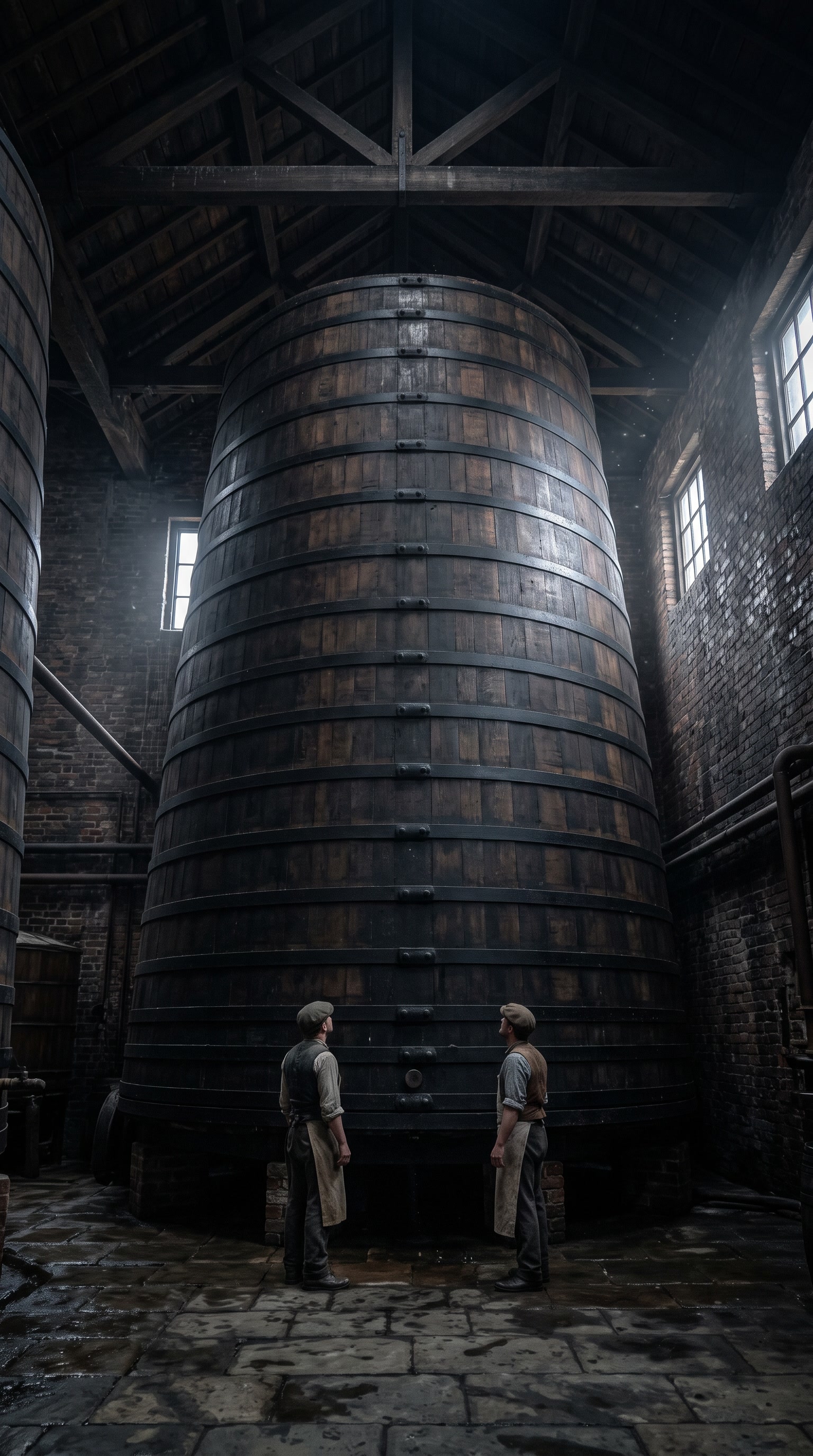
Nano Banana 2 / Pro is about detail. Once you've found your direction, this model helps you get the final frame: cleaner textures, more deliberate composition, fewer artifacts in the background. These frames work great as covers and as a basis for animation.
And an honest caveat: no model draws perfectly on the first try. Hands, small text in the frame and complex physics still trip up every generator. So the rule is simple: look at the result closely and regenerate individual frames until they work — in Reelora this doesn't break the rest of the project.
Which model to pick for a specific task
| Task | Model | Why this one |
|---|---|---|
| Exploring ideas, location sketches | Nano Banana | You quickly get lots of options and filter out the bad ones |
| Final scene frame | Nano Banana 2 / Pro | More detail in textures and composition |
| Cover or preview | Nano Banana 2 / Pro | The frame stays readable even at small scale |
| Character reference | First Nano Banana, then 2 / Pro | Find the look first, then lock it in with detail |
| A series of frames in one style | A mix of both | Sketches on the fast model, final frames on the detailed one |
How a still photo becomes video
Create a base frame
Generate a photo with Nano Banana or Nano Banana 2 / Pro, or upload your own — you can swap in your own materials instead of generated ones at any time.
Check the frame
Look at hands, text and the background. Something off? Regenerate just that frame — the rest of the project stays untouched.
Bring the frame to life
Send the photo into video generation — how exactly this transition works is covered in our guide to animating photos. If the AI refuses to animate a tricky frame, add effects or overlays to it: they'll turn the still image into video.
Assemble the clip
The frame becomes part of the scene: automatic editing fits it to the voiceover and rhythm, and subtitles get baked into the video.
Frames that pair well with Veo 3
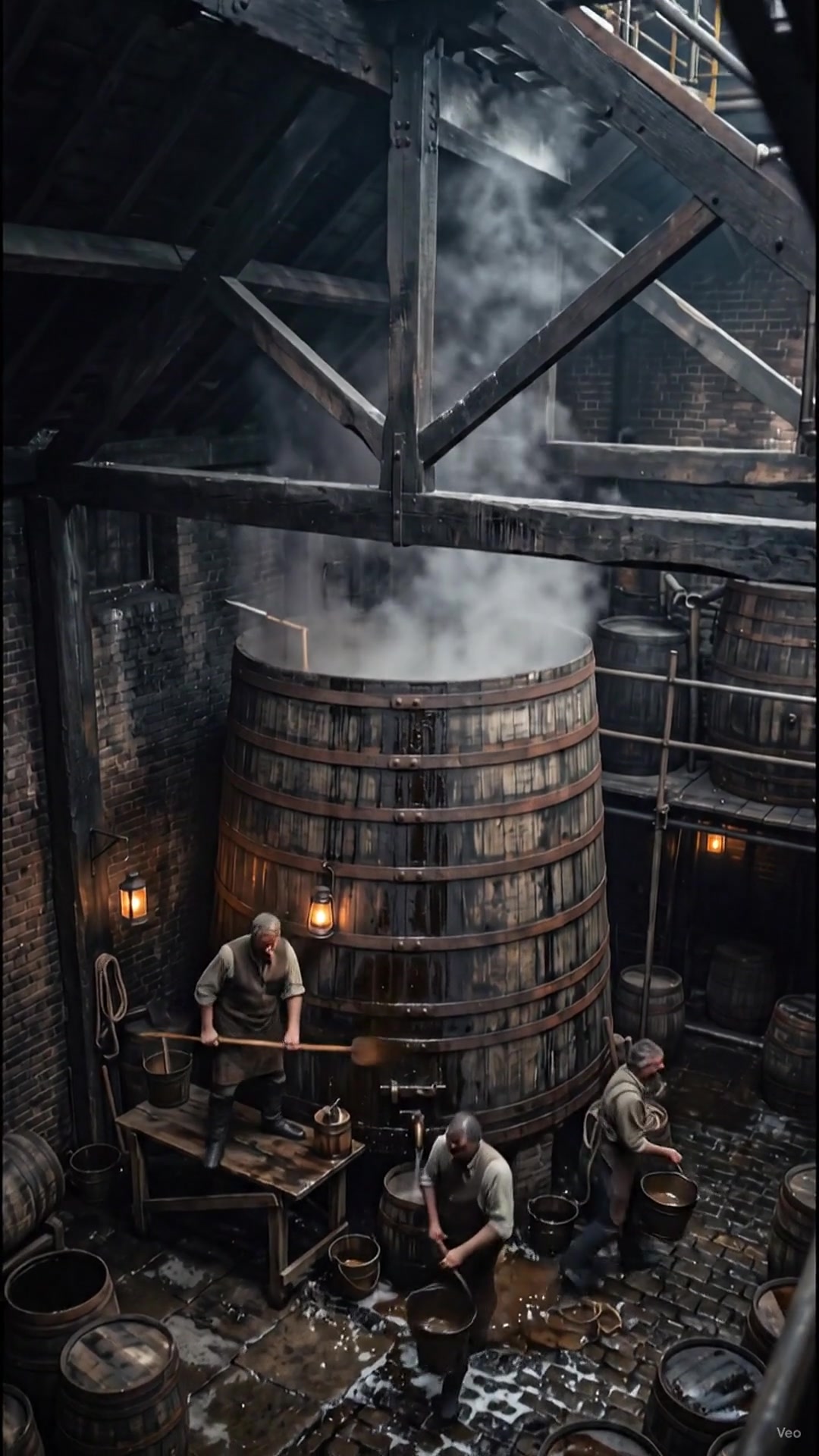
Photos in Reelora rarely live apart from video. The most common scenario: you generate a base frame, then feed it to Veo 3 to get motion — the camera pushes in, the hero turns their head, rain starts outside the window. For how video generation works in the studio, see our Veo 3 overview.
The second scenario is serialized content. If you run a channel, you need dozens of frames in one consistent style: batch generation saves the day here — you can launch up to 500 prompts at once and go do something else while the servers work. And to keep your hero from drifting from scene to scene, check out character consistency — references exist precisely for that.
Questions about Nano Banana and photos in Reelora
How is Nano Banana different from Nano Banana 2 / Pro?
In their approach to the task. Nano Banana is handy for quickly trying out options and drafts; Nano Banana 2 / Pro is for final frames where detail and composition matter. Both live in the same interface — switching takes one click.
Can I use my own photo instead of a generated one?
Yes. You can add your own photos or videos instead of generated ones at any time. It's handy when part of the material is already shot and the rest needs to be generated and assembled into one clip.
What if the AI refuses to animate a photo?
Sometimes moderation or the complexity of the frame prevents direct animation. In that case you can apply effects and overlays to the photo — they'll turn the still frame into video without classic motion generation.
How many frames can be generated in one run?
Batch generation supports up to 500 prompts at once. Tasks run on Reelora's servers, so you can shut down your computer — the results will be waiting in your project.
Can I regenerate just one frame?
Yes. Any frame can be regenerated or replaced individually, without restarting the whole clip. This applies both to generated photos and to inserted custom materials.
Where can I find ready-made prompts for photo generation?
The Reelora blog has a dedicated collection of prompts for photo generation: it breaks down the structure of a request — story, style, lighting, frame format. Use it as a template and adapt it to your story; the general principles of writing prompts are covered in the prompt guide.
See also
Create your first frame
Pick Nano Banana for drafts or Nano Banana 2 / Pro for final frames — and build full clips right in your browser. You only pay for what's actually generated.
Open the studio