Shorts, Reels and TikTok with AI: a step-by-step guide
Vertical video is the fastest way to rack up views. Here's how to create shorts or reels with AI in Reelora: from a hook in the first seconds to a finished clip with voiceover, subtitles and editing.
9:16 format: why vertical is the law
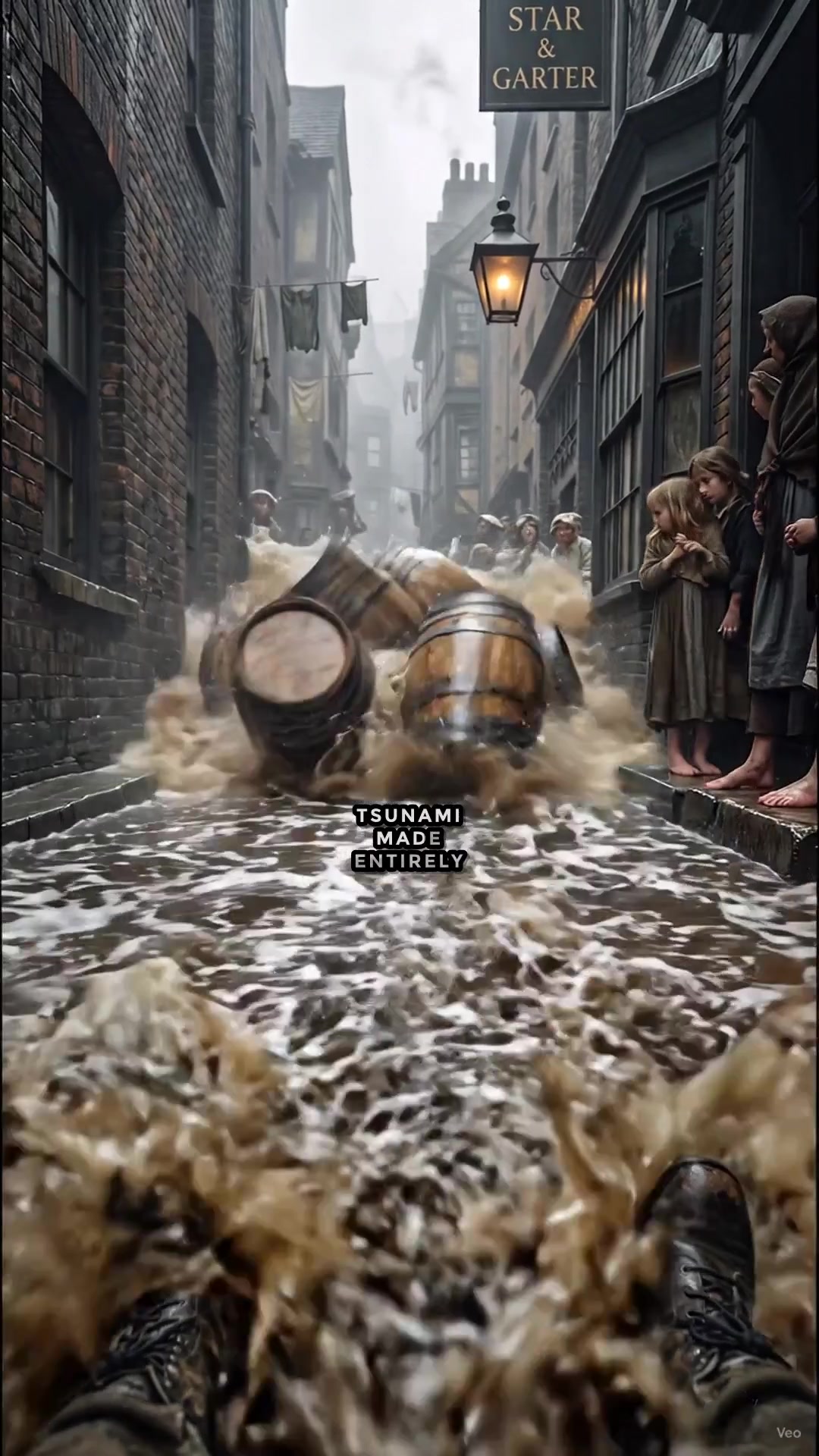
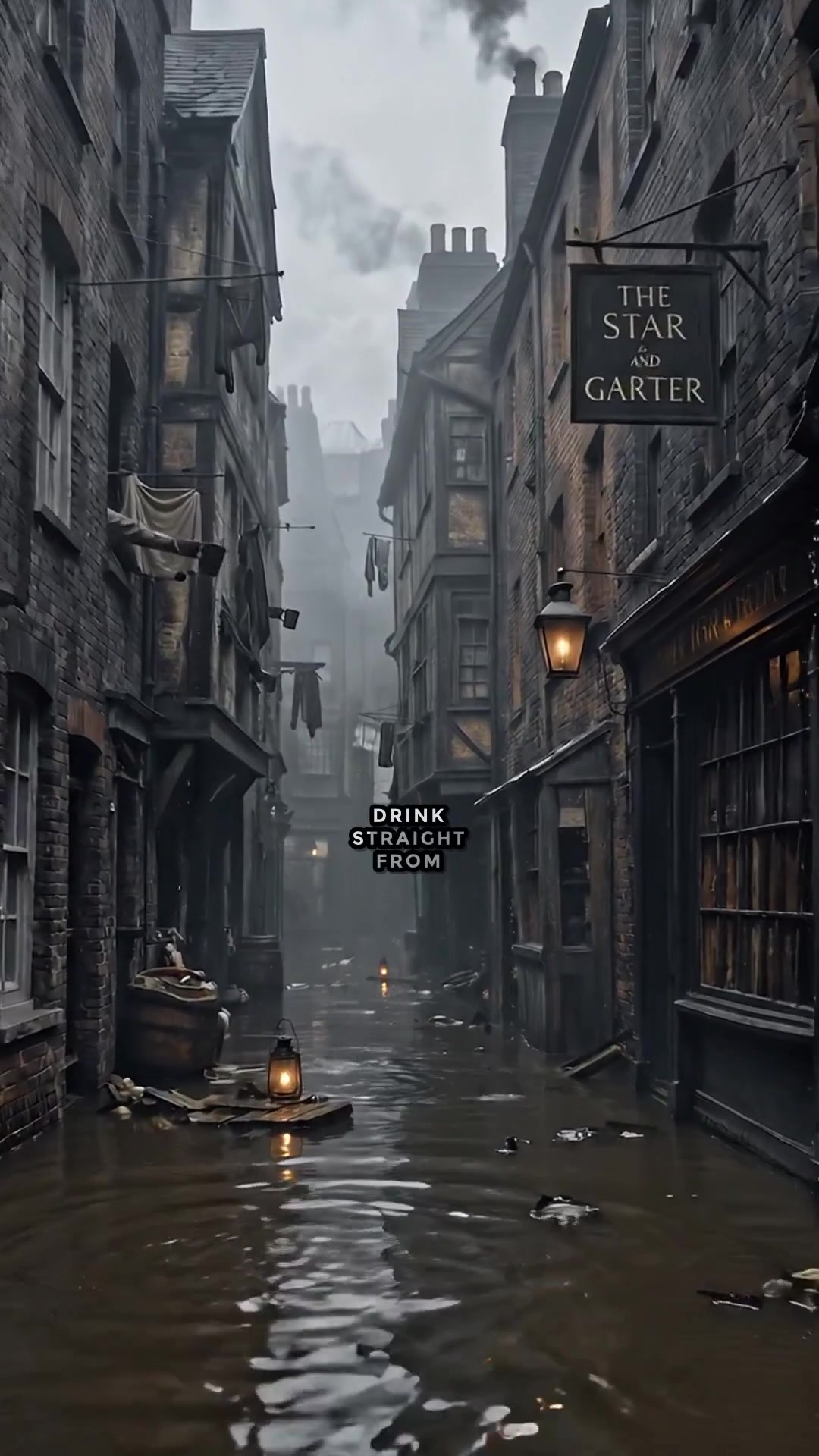
Shorts, Reels and TikTok live on a vertical screen. The 9:16 format fills the entire smartphone display, and platforms are far more likely to push such clips than horizontal ones cropped at the edges. So the first decision you need to make before generating anything is that the frame must be vertical from birth.
In Reelora you don't crop a finished video — you generate it in the right aspect ratio right away. The composition of every scene is built for a phone: faces and action sit closer to the center, important details stay away from the edges of the frame. If you need a TikTok video, the neural network assembles it vertically from the very start, with no quality lost to cropping.
Not sure which format to pick for a specific platform or placement? We break down all the options separately in our aspect ratio guide.
- 9:16 — the standard for Shorts, Reels and TikTok
- Generate in vertical right away instead of cropping later
- Frame composition is built for the smartphone screen
A hook in the first two seconds
A short video is won or lost at the start. Viewers decide almost instantly whether to keep watching or scroll on, so your first frame and first line have to give them a reason to stay: a question, a surprising fact, a conflict, or a promise of a result.
A technique that works: open with the climax or intrigue and save the explanation for later. “This mistake cost me a week of work” holds attention far better than “today we'll talk about common mistakes.” This applies to any vertical format: both shorts and AI reels follow the same rule — intrigue first, payoff after.
When the AI builds the skeleton in Reelora, the first scene is your hook. Review it on its own and answer honestly: is there a reason to stay for three seconds? If not, rewrite the prompt or regenerate just that frame without touching the rest of the clip.
How to create shorts in Reelora: step-by-step instructions
Pick long-video mode and the “shorts” format
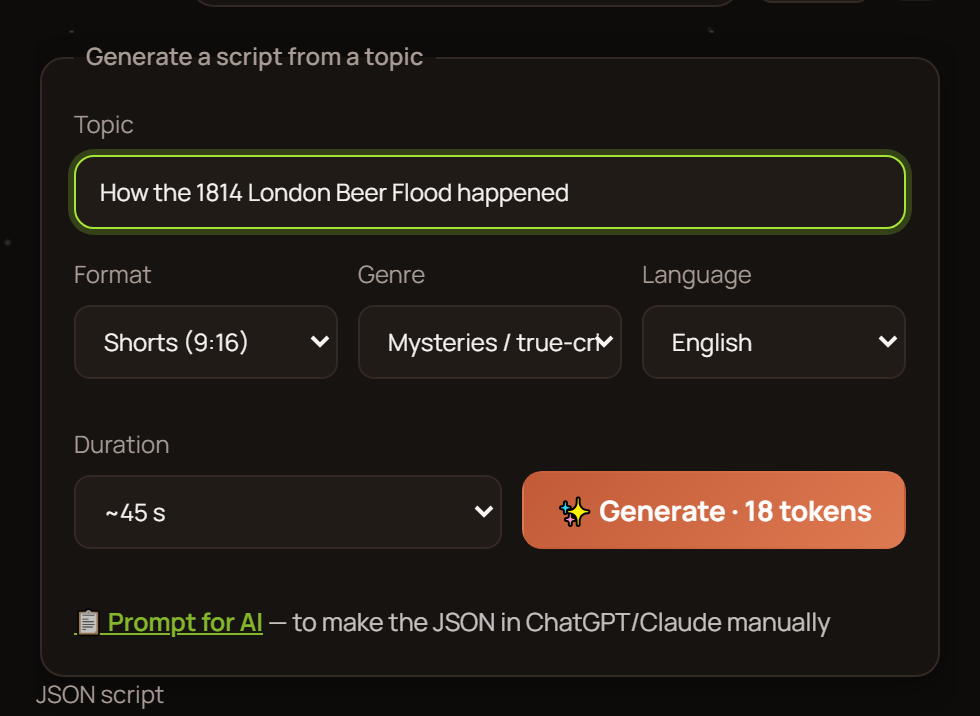
Open the long-video creation mode and set the parameters: approximate length, format (long or shorts), topic and language. Choose “shorts” and the entire generation process runs toward a vertical frame.
Describe the topic in your own words
Write what the video should be about. The AI assembles a ready-made skeleton: prompts for voiceover, references, photos and video — each in its place. The script and structure appear before the first generated frame.
Decide how to generate: everything at once or step by step
One button launches generation for the whole script: Veo 3 creates the video frames, ElevenLabs handles the voiceover. Step-by-step mode gives you more control: you check and fix each stage. For your first shorts, going step by step is easier.
Replace or regenerate weak frames
Any frame can be regenerated or replaced individually without reassembling the whole clip. Don't like the hook frame? Fix just that one. You can also drop in your own photos or videos if you want to add your own material.
Add the voiceover
ElevenLabs voices, many languages including Ukrainian. The voiceover syncs with scenes and subtitles automatically — no manual checking needed.
Turn on subtitles and run the edit
Automatic speech recognition splits the narration into lines, and the look is fully customizable. Then automatic assembly: frames fall into place under the voiceover, rhythm is maintained, transitions between scenes are added.
Cutting shorts from a long video
The second scenario is when the long video already exists. You've recorded an interview, a review or a lesson, and now you need to pull several vertical fragments out of it for Shorts or Reels. No reshooting required.
In Reelora this is done through frame replacement: upload your material, arrange the fragments across scenes and assemble the clip. Smart trimming helps keep the rhythm: the AI reads the transcript and cuts duplicates, repetitions, stumbles and filler — it doesn't just chop out silence.
This way one long video yields several standalone shorts, and your channel gets content without new shoots. For how to build a regular publishing schedule around such clips, see our guide for channel creators.
Subtitles, pace and duration
Most people scroll their feed with the sound off, so subtitles aren't optional — they're the baseline. In Reelora they're generated automatically: speech recognition, splitting into lines, customizable styling, burned straight into the video. More detail in our automatic subtitles overview.
Pace: change the shot or angle every few seconds so the eye doesn't get bored. Automatic editing keeps the rhythm on its own — scenes fall under the voiceover and transitions don't eat into the runtime. If a scene drags, shorten it or split it in two.
Duration: make the video exactly as long as the idea requires — and not a single frame longer. A tight short almost always beats a stretched-out one. Check specific limits against platform requirements; they change from time to time.
Common mistakes that keep shorts from taking off
Most problems with short videos repeat from clip to clip. Run through the list below before publishing and you'll eliminate the main reasons viewers scroll away.
- Horizontal video cropped to vertical — the composition falls apart, empty zones appear
- A long intro with no hook — viewers scroll off before the point arrives
- No subtitles — a large share of viewers watch with the sound off
- One static frame for the whole clip — no pace, hard to hold attention
- Trying to nail it perfect on the first take — instead, generate, review and swap out weak frames surgically
- Ignoring your audience's language — voiceover is available in many languages, including Ukrainian
Questions about creating shorts with AI
How long does it take to create a short?
Most of the time goes into generating frames, and that happens on Reelora's servers — you can turn your computer off. Your input is needed for describing the topic, reviewing the skeleton and the final watch-through.
Can I make a whole series of shorts at once?
Yes. Batch generation lets you launch up to 500 prompts at a time. Handy when you need a series of clips built on one skeleton — for example, for a faceless channel.
Do I need to know how to edit?
No. Editing is automatic: frames are assembled to the voiceover, rhythm is maintained, transitions are added. If you want, you can jump in anytime — replace or regenerate any single frame.
Can I use my own videos and photos?
Yes, at any moment. Swap your own materials in place of generated frames. This is exactly how shorts are cut from footage you've already shot.
What languages can I use for the voiceover?
ElevenLabs supports many languages, including Ukrainian. The voiceover syncs with scenes and subtitles automatically.
What if I don't like a particular frame?
Regenerate or replace it individually. You won't have to rebuild the whole clip — control over every frame stays with you.
How much does it cost to create shorts in Reelora?
It's pay-as-you-go: you only pay for what's actually generated. Prices are among the lowest on the market; check the site for current pricing.
See also
Build your first short today
Describe the topic — Reelora will build the skeleton, generate vertical frames, add the voiceover and edit together a finished clip with subtitles. Every frame can be replaced or regenerated.
Create shorts in Reelora